garbage Commands
Sequence diagrams for each garbage subcommand — the C4 dynamics level of
the garbage architecture. Participants are garbage's internal
packages: cmd/ (Cobra commands and global flags), trash/ (the trash
service — move, restore, find, delete, stats), db/ (shared SQLite
connection and schema migration), and output/ (mode-aware writer for
--json / --quiet / --verbose) — plus the externals they talk to: the
shared Amadla SQLite database (~/.local/amadla/db.sqlite, WAL mode) and
the trash directory on the filesystem (~/.local/amadla/trash/<uuid>/).
Every command opens the database and runs the idempotent schema migration
before doing anything else. The command tree is flat — there are no
namespace commands.
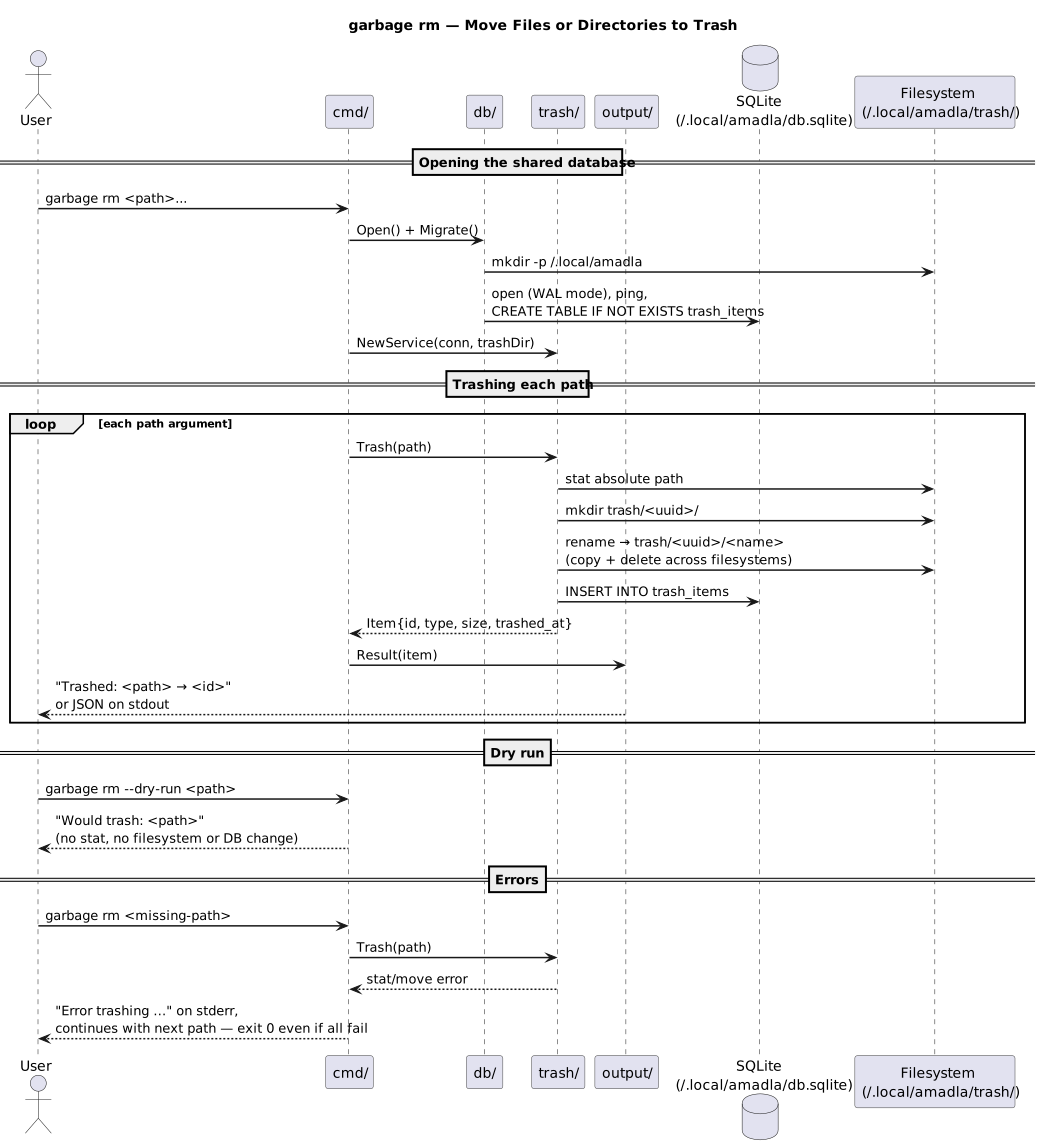
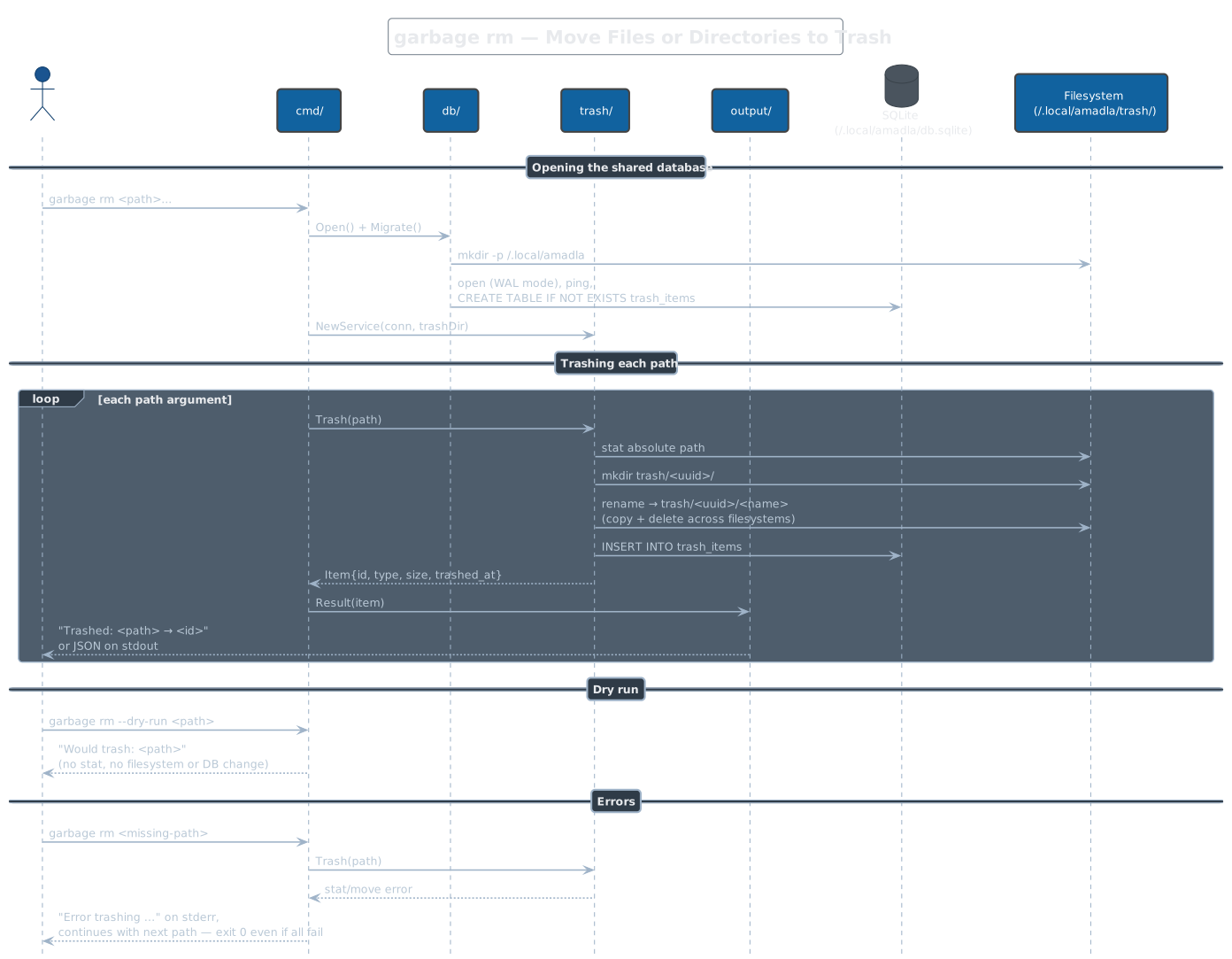
garbage rm
Moves each path argument into ~/.local/amadla/trash/<uuid>/<name> (rename,
falling back to copy-and-delete across filesystems) and records it in the
database; on a database insert failure the item is moved back. --dry-run
prints what would be trashed without touching anything. A path that fails
(missing file, permission) prints an error to stderr but the command
continues with the remaining paths and still exits 0 — even when every
path fails.
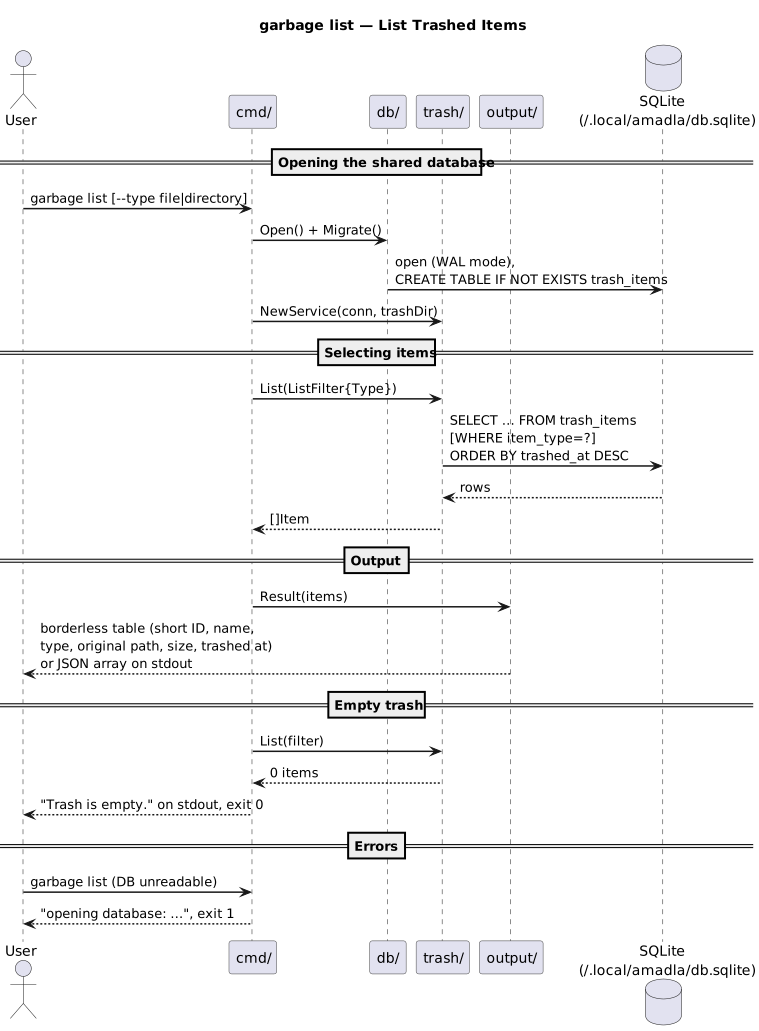
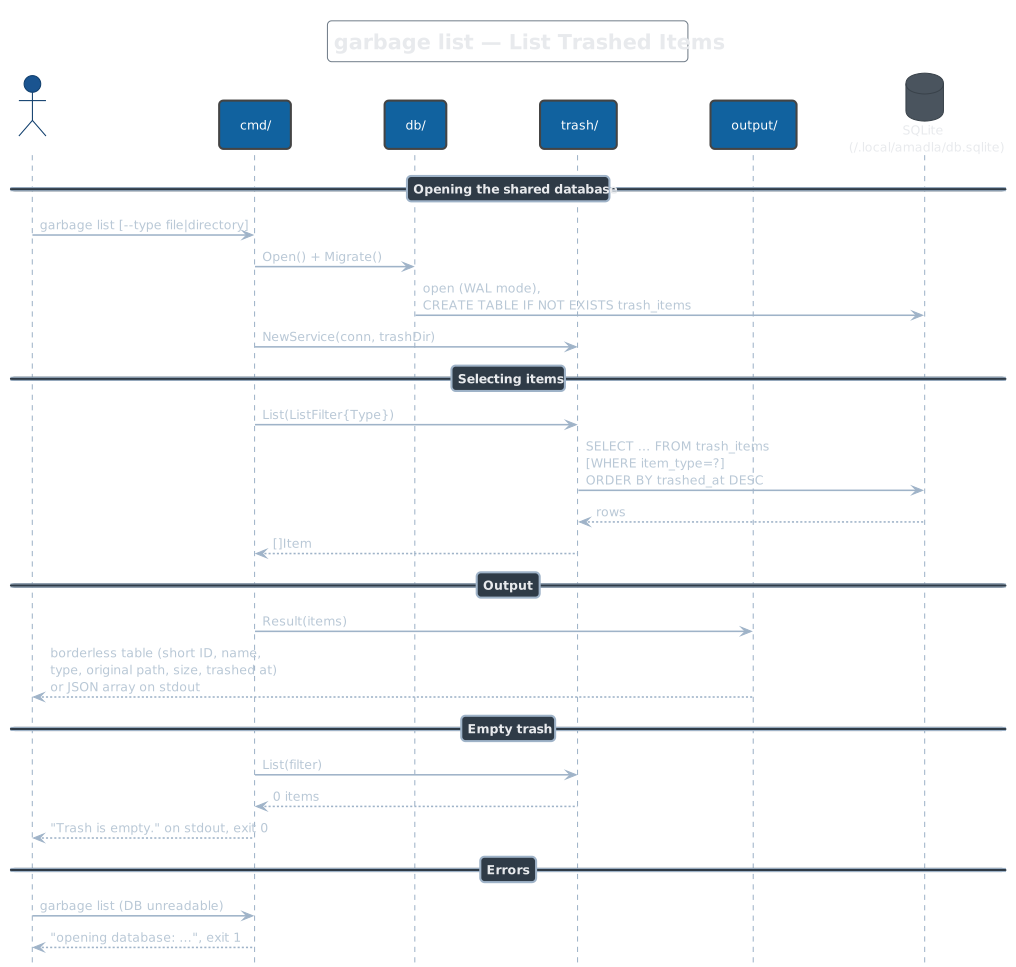
garbage list
Lists trashed items newest-first as a borderless table (short 8-char IDs,
human-readable sizes) or a JSON array with --json. --type file|directory
filters by item type; the value is not validated, so an unknown type simply
matches nothing. An empty trash prints "Trash is empty." and exits 0 —
listing nothing is not an error.
garbage restore
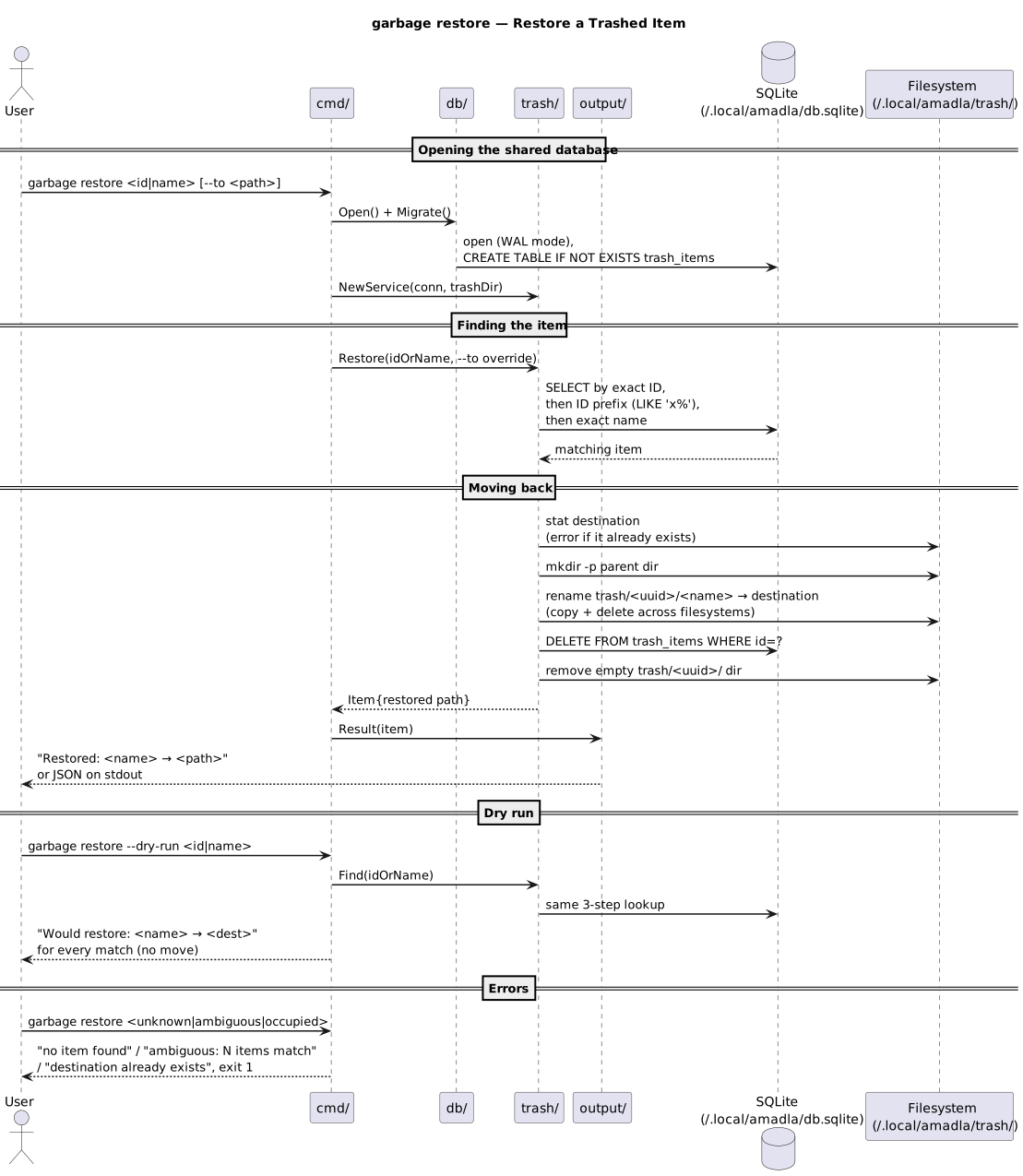
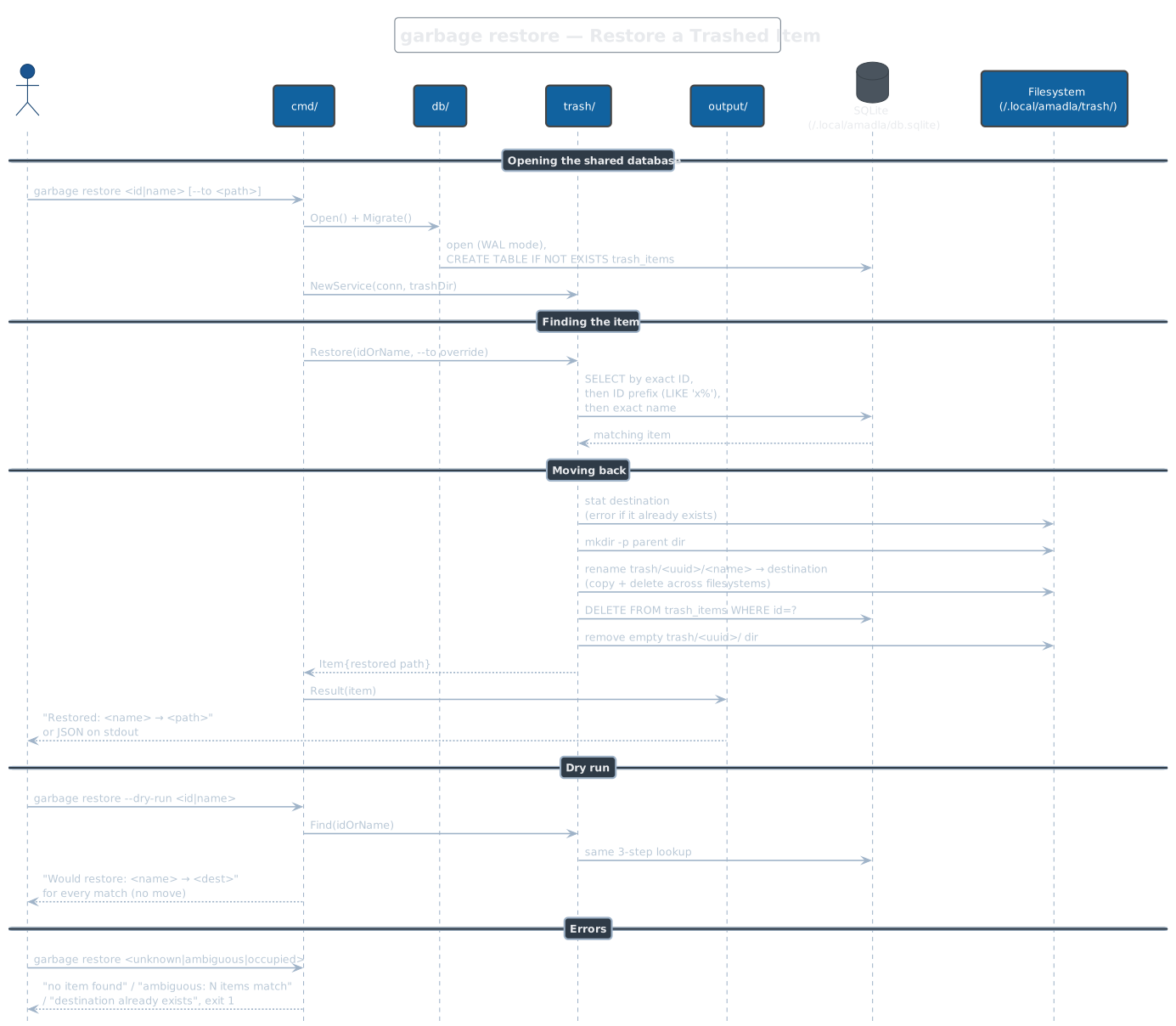
Looks the argument up as an exact ID, then an ID prefix, then an exact
name, and moves the single match back to its original path — or to
--to <path> — refusing to overwrite an existing destination. Parent
directories are recreated as needed; on success the database row and the
item's trash directory are removed. Zero matches, multiple matches
(ambiguous prefix or duplicate names), or an occupied destination exit 1.
--dry-run prints every match it would restore without moving anything —
unlike a real restore, it lists all matches instead of failing on ambiguity.
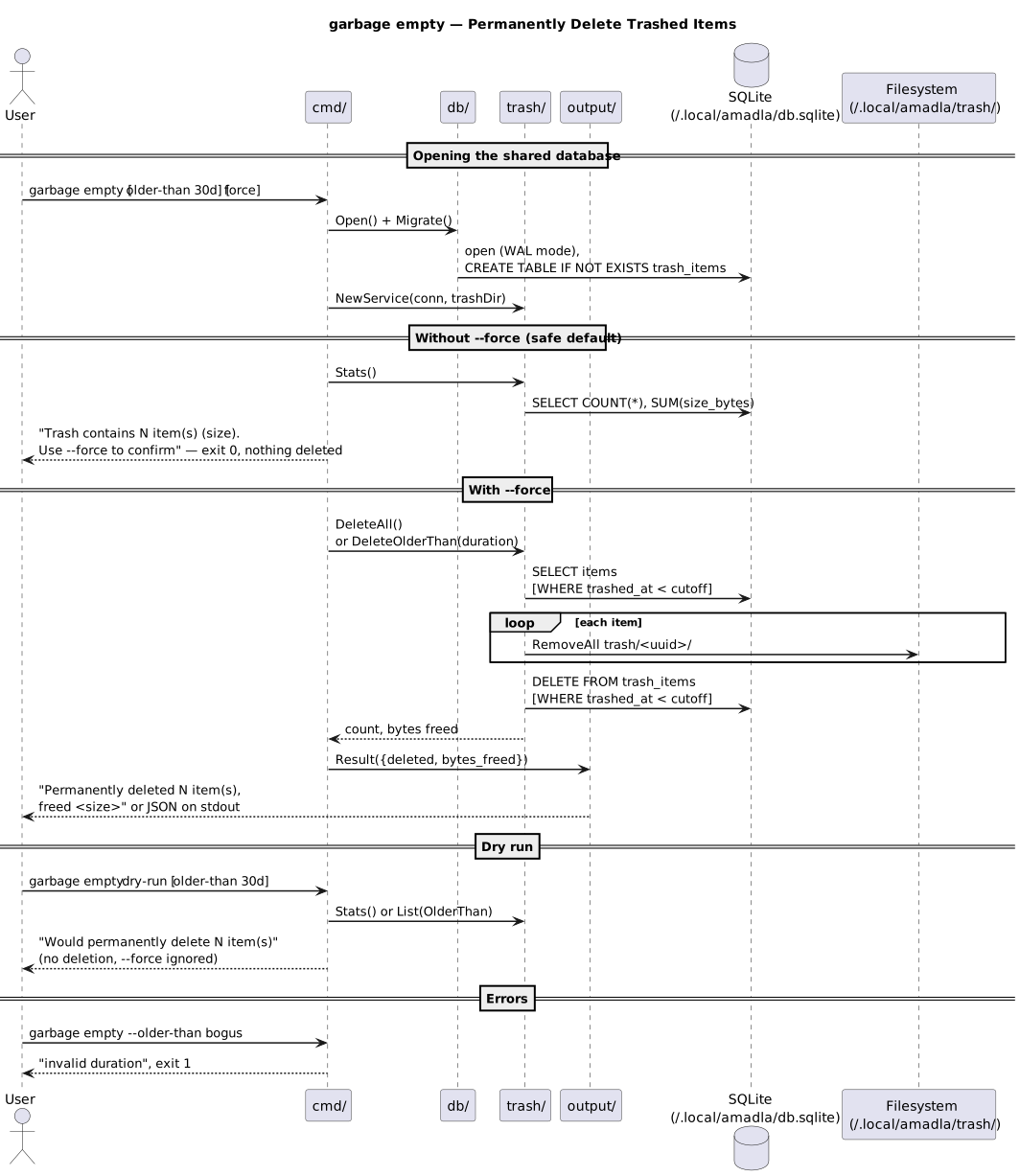
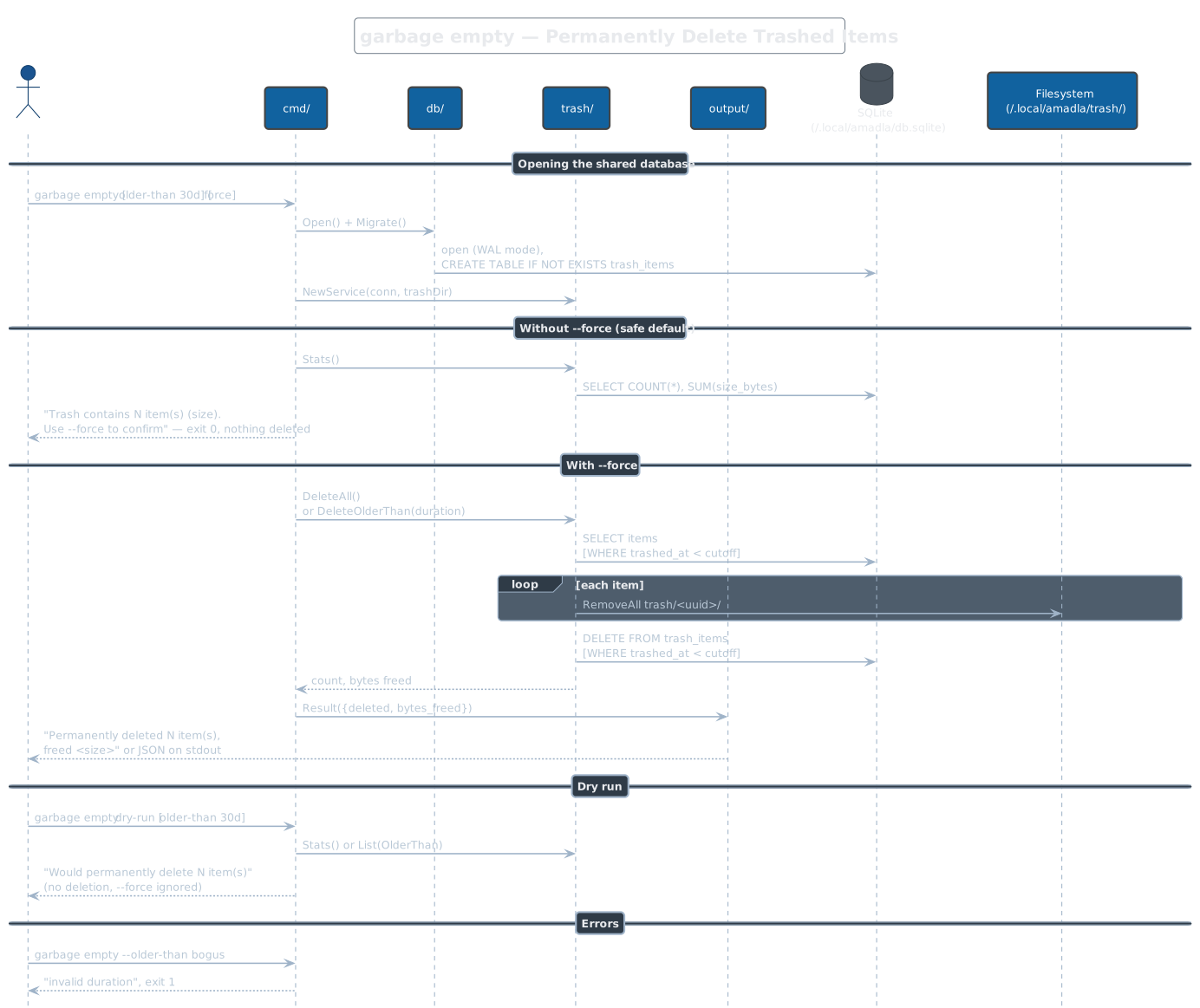
garbage empty
Permanently deletes trashed items — all of them, or only those trashed
longer ago than --older-than (Go durations plus a d day suffix, e.g.
30d). Without --force it only reports what the trash contains and
exits 0; there is no interactive prompt. --dry-run reports the would-be
deletion count and takes precedence over --force. Note that the
confirmation hint is an informational message, so under --json or
--quiet a forceless garbage empty prints nothing at all and exits 0.
garbage info
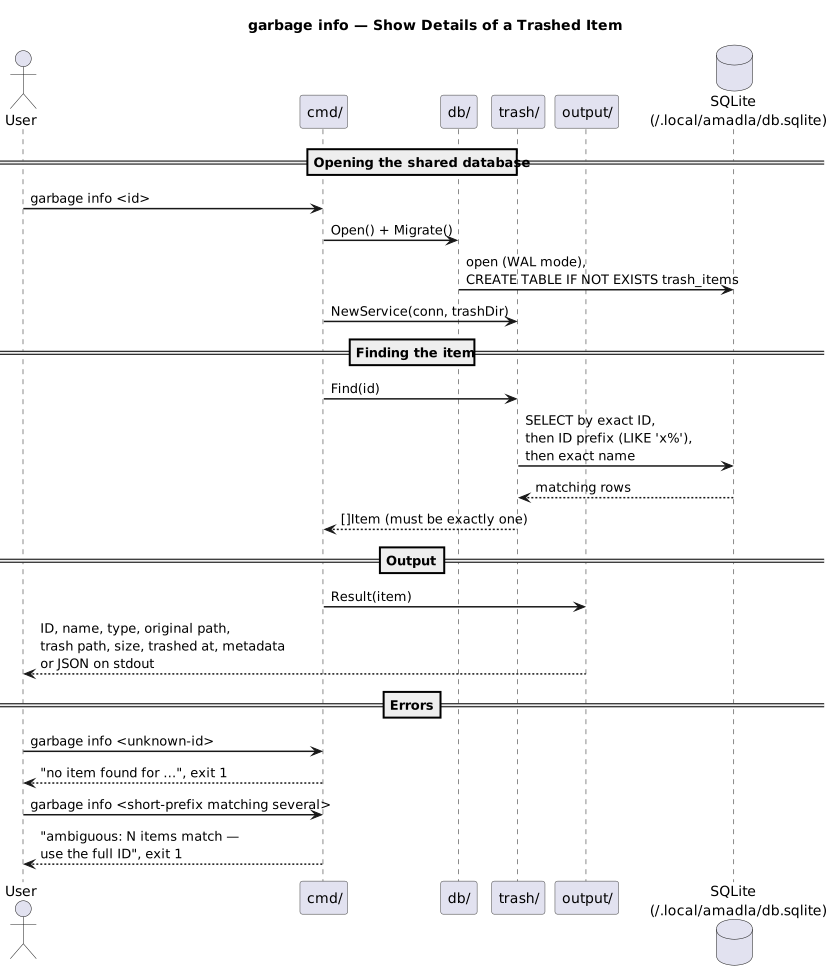
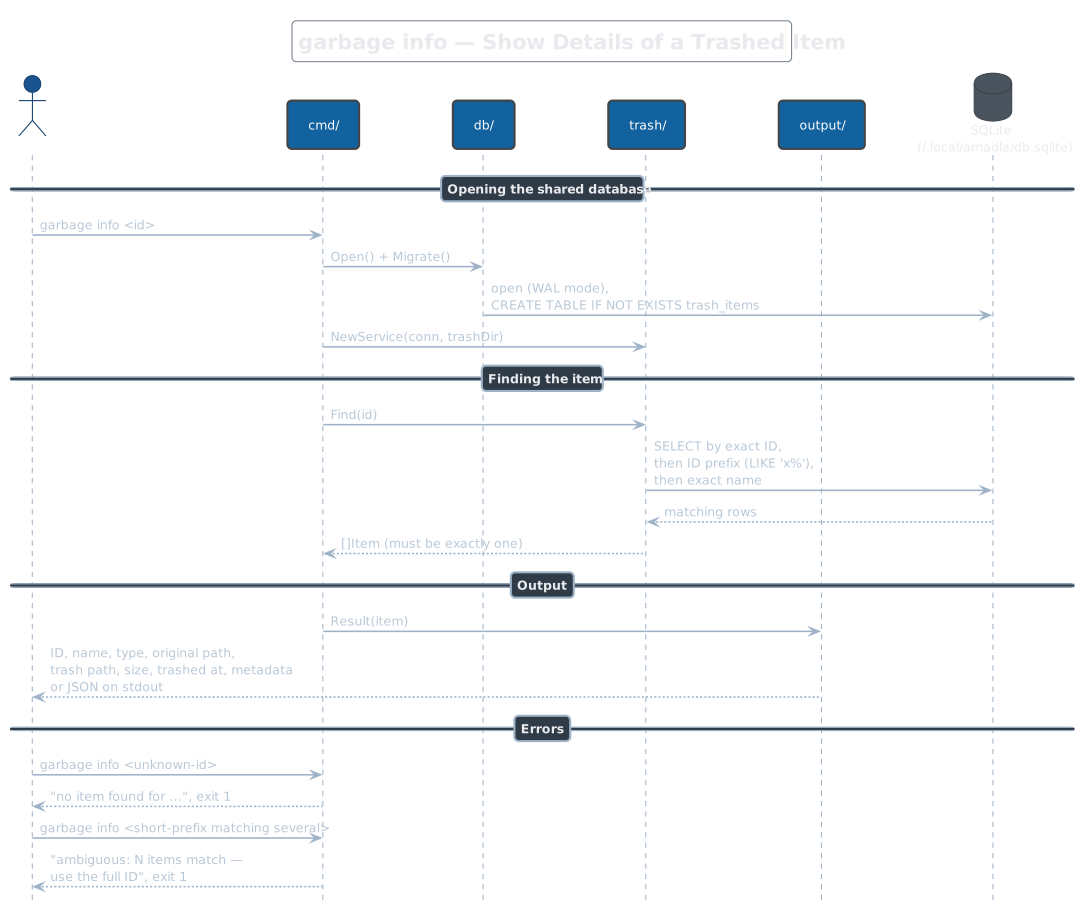
Shows one item's full record: ID, name, type, original path, trash path,
size, trashed-at timestamp, and metadata if present. Uses the same
ID / ID-prefix / name lookup as restore, and like it demands exactly one
match — none or several exit 1 with an error telling you to use the full
ID.
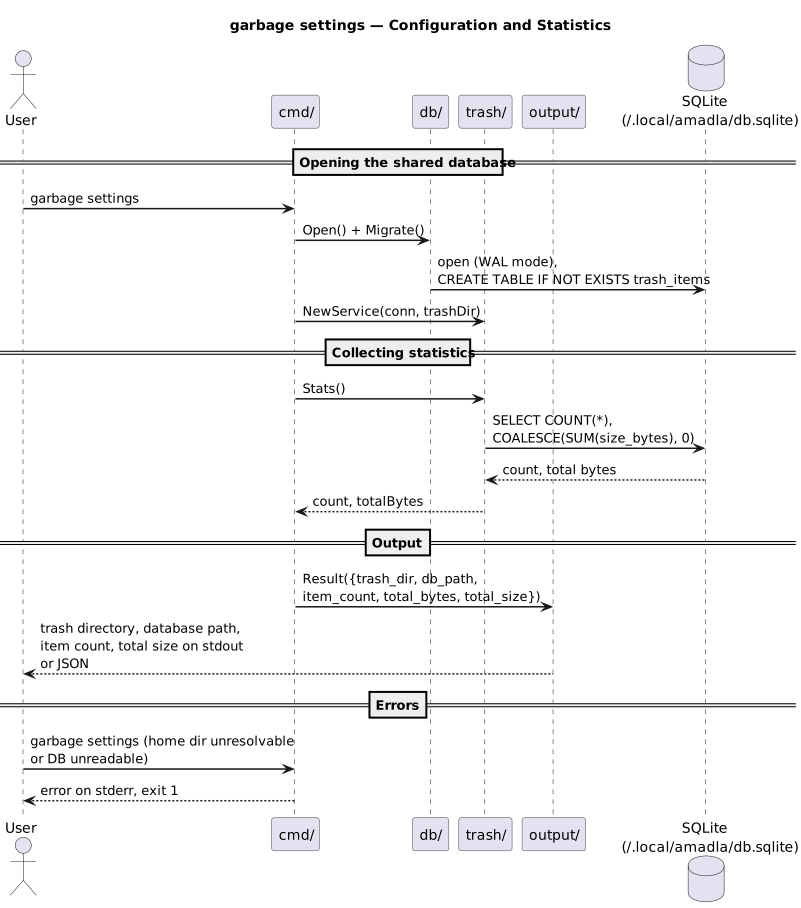
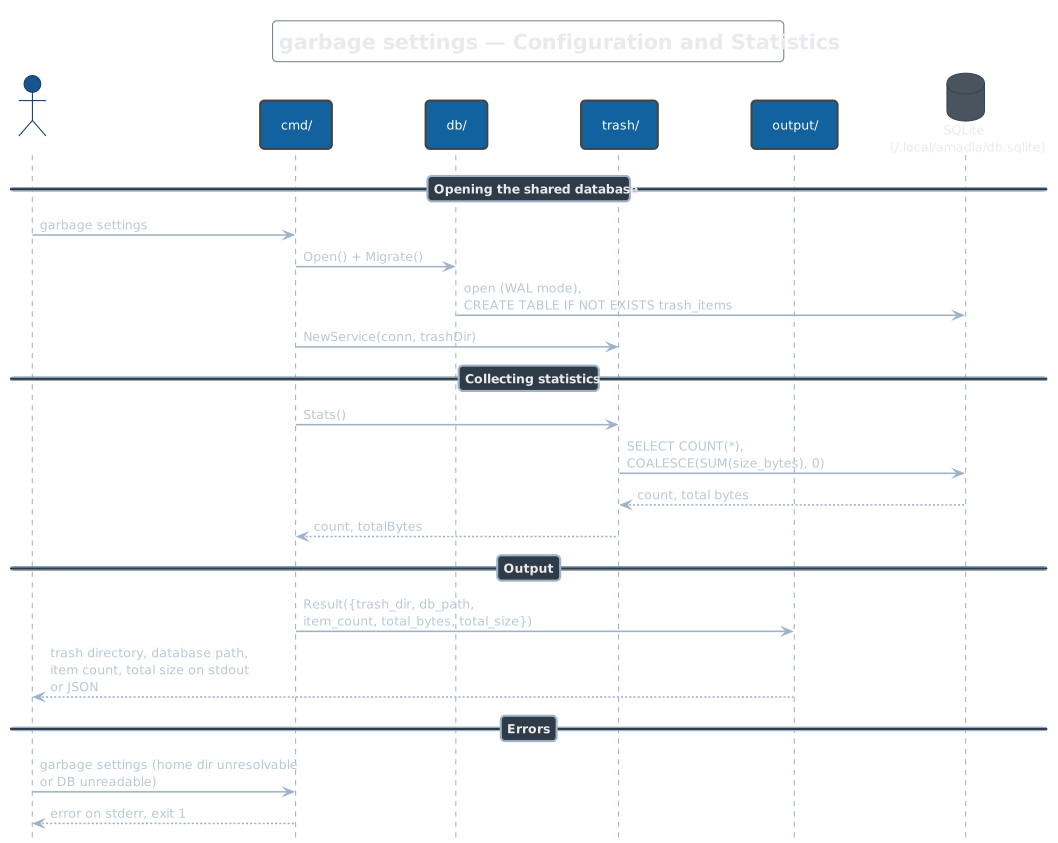
garbage settings
Prints garbage's resolved configuration and trash statistics: the trash
directory, the database path, the item count, and the total size (from a
single COUNT/SUM query). Read-only; --json emits the same data as an
object. Both paths are fixed under ~/.local/amadla/ — there are no
environment variables or config files to override them.