lay Commands
Sequence diagrams for each lay subcommand — the C4 dynamics level of the
lay architecture. Participants are lay's internal packages:
cmd/, package_manager/ (with per-manager implementations under
package_manager/linux|macos|windows/), container/ (docker/podman),
binary/target/, binary/install/, binary/forge/, binary/checksum/,
binary/jar/, binary/manifest/, binary/compile/, and output/ — plus
the externals they talk to: package manager processes, container runtime
processes, git and build tool processes, forge release APIs over HTTPS, and
the filesystem. Global flags on every command: --json, --quiet,
--verbose, --dry-run.
Note that the current CLI surface is package, container, binary,
settings, and version. There is no HERY entity intake yet — the
entity/ package in the repository is an empty stub — so lay does not
currently read Package/Application/ProgrammingLanguage entities or discover
lay-* plugins; all routing is built in.
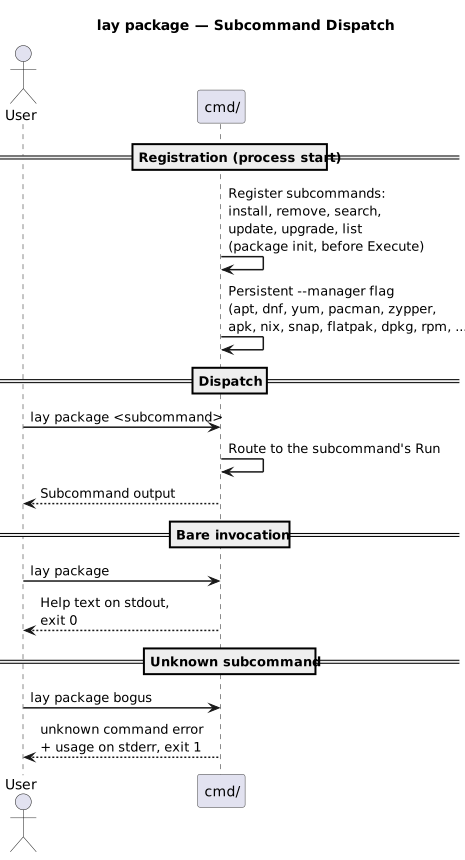
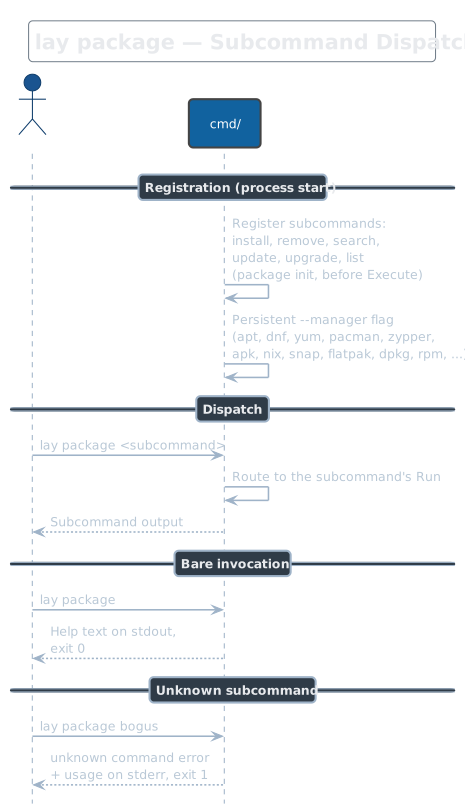
lay package
Namespace command that groups the system package operations: install,
remove, search, update, upgrade, and list. It carries the
persistent --manager flag to override auto-detection. Run bare it prints
help; an unknown subcommand exits non-zero with usage on stderr.
lay package install / remove
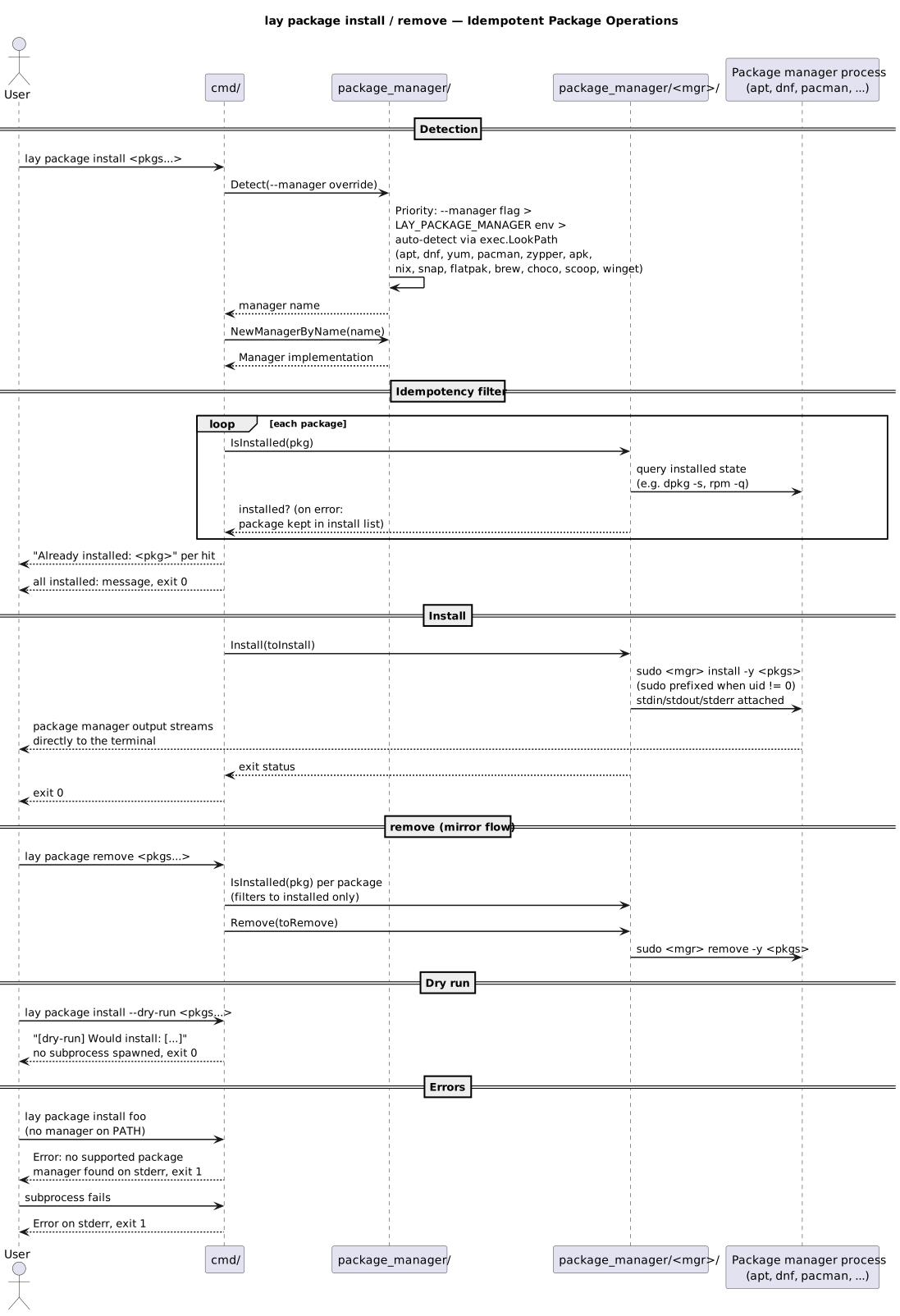
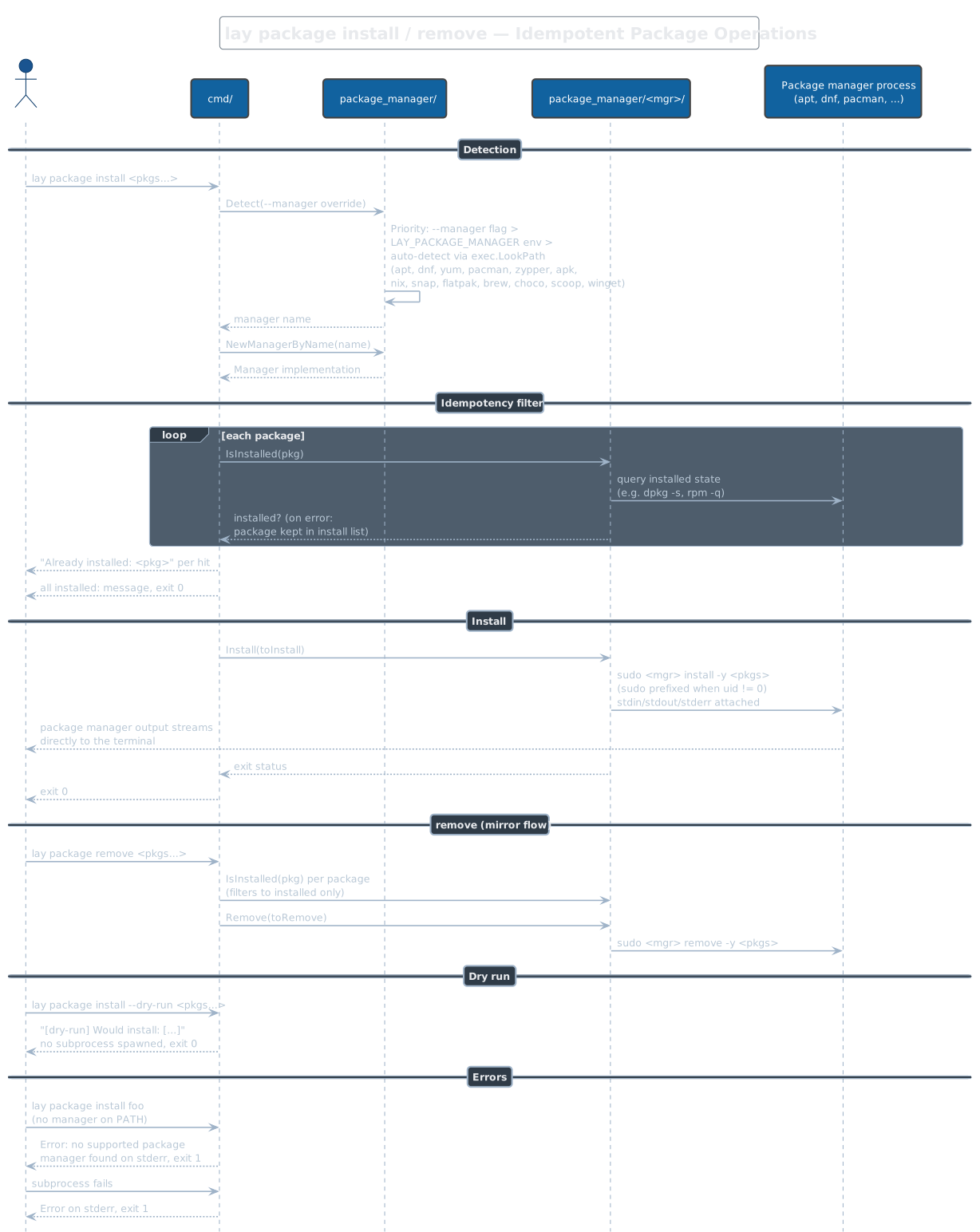
Detects the package manager (--manager flag, then LAY_PACKAGE_MANAGER,
then a PATH scan preferring apt, dnf, yum, pacman, ...), then filters the
requested packages by IsInstalled so the operations are idempotent —
already-installed packages are skipped on install, not-installed ones on
remove. The real work is a spawned package manager process with attached
stdio, prefixed with sudo when not running as root. An IsInstalled
check error silently keeps the package in the work list. dpkg and rpm
are accepted via --manager but never auto-detected.
lay package search / list
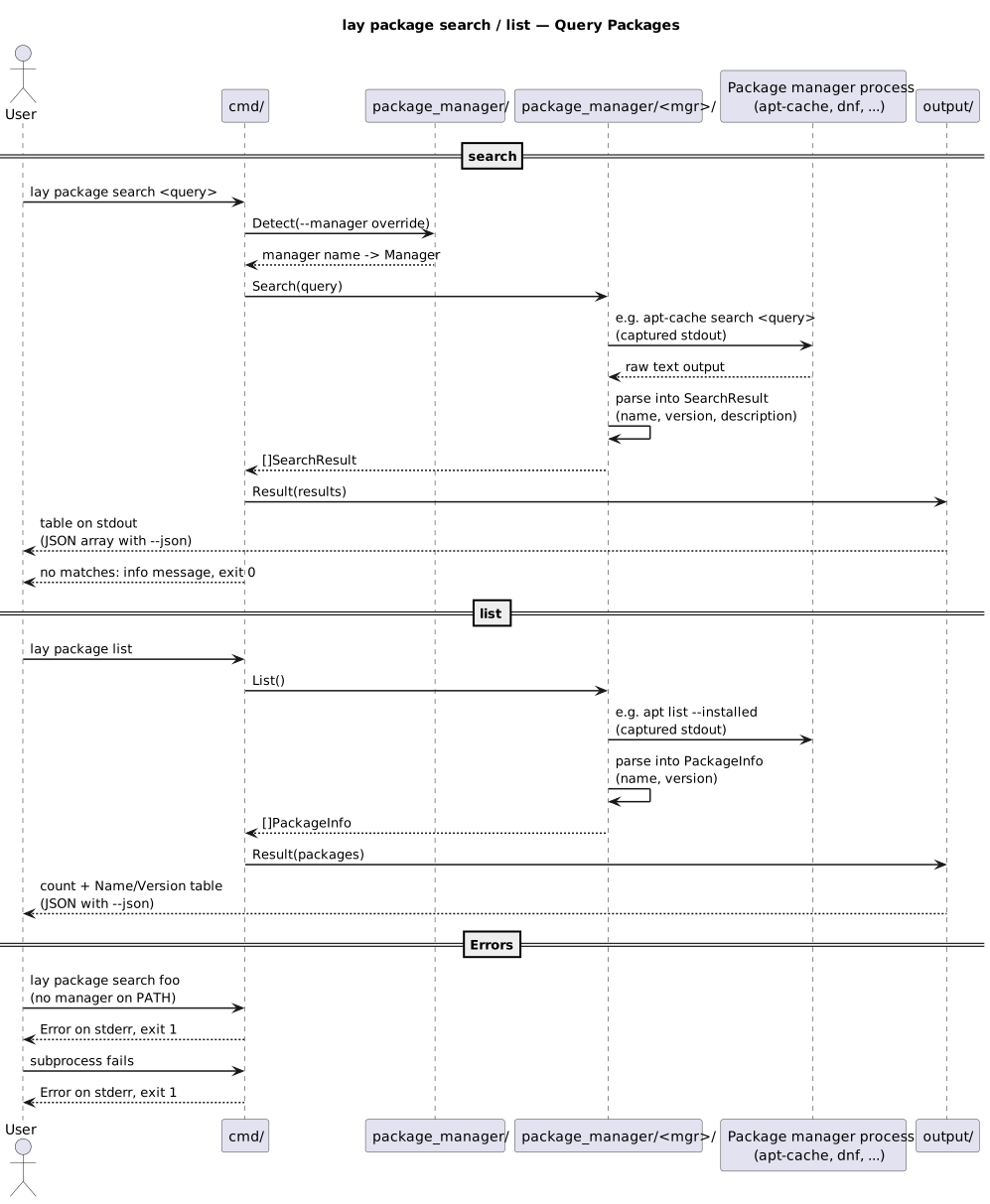
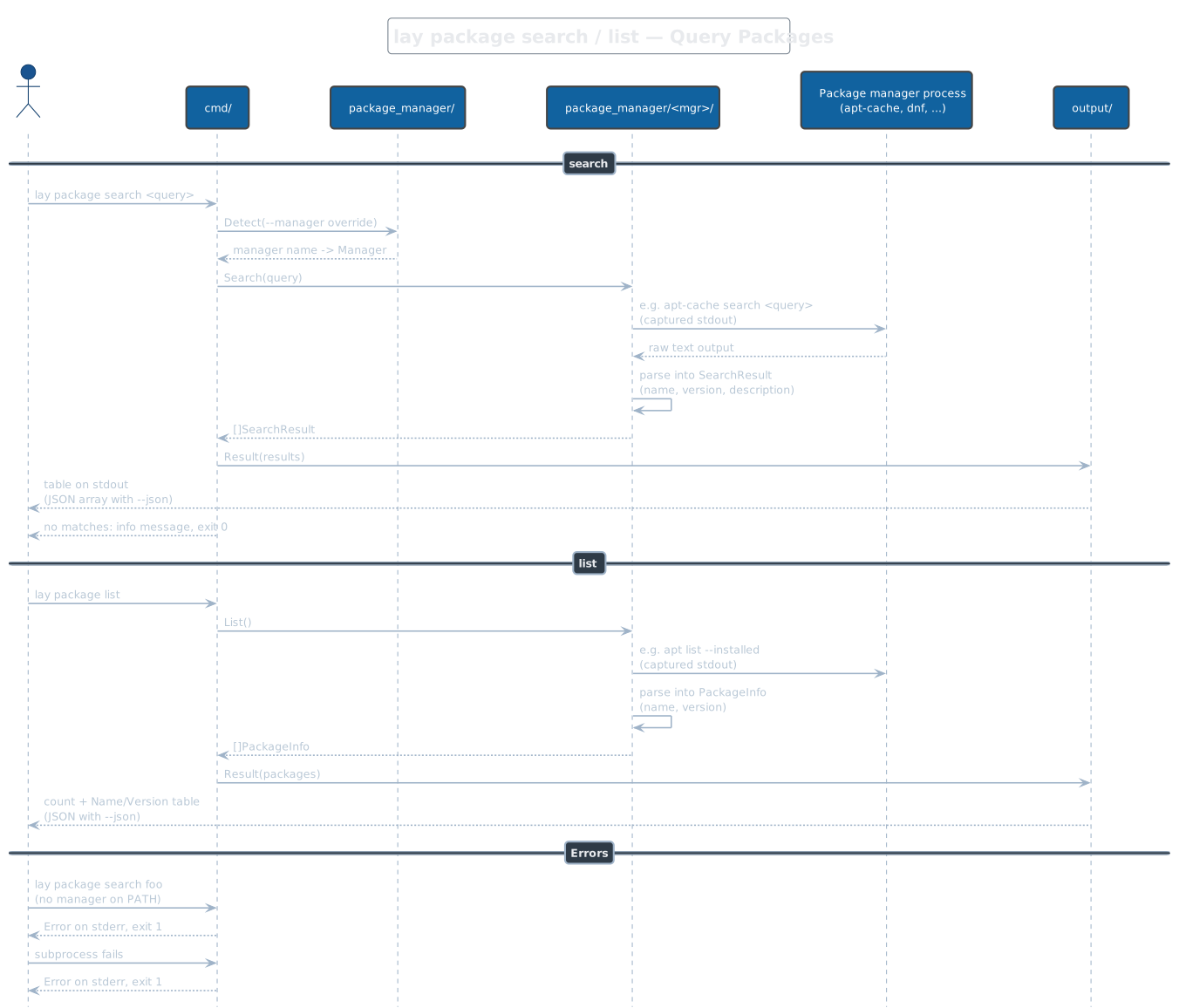
search requires exactly one query and shells out to the manager's search
command (e.g. apt-cache search), parsing captured output into name /
version / description rows; list does the same for installed packages.
Both render a table, or a JSON array with --json; zero results is a
message and exit 0, not an error. Neither needs root — output is captured,
not streamed.
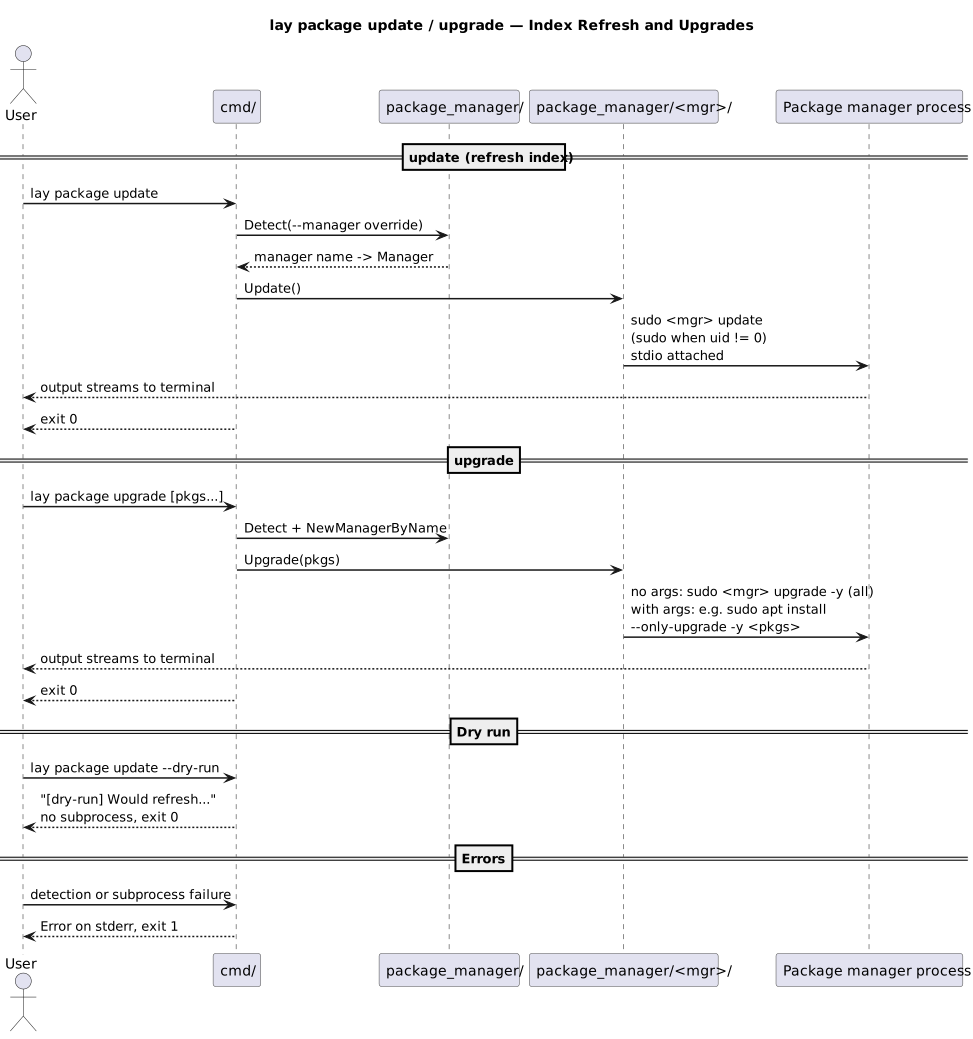
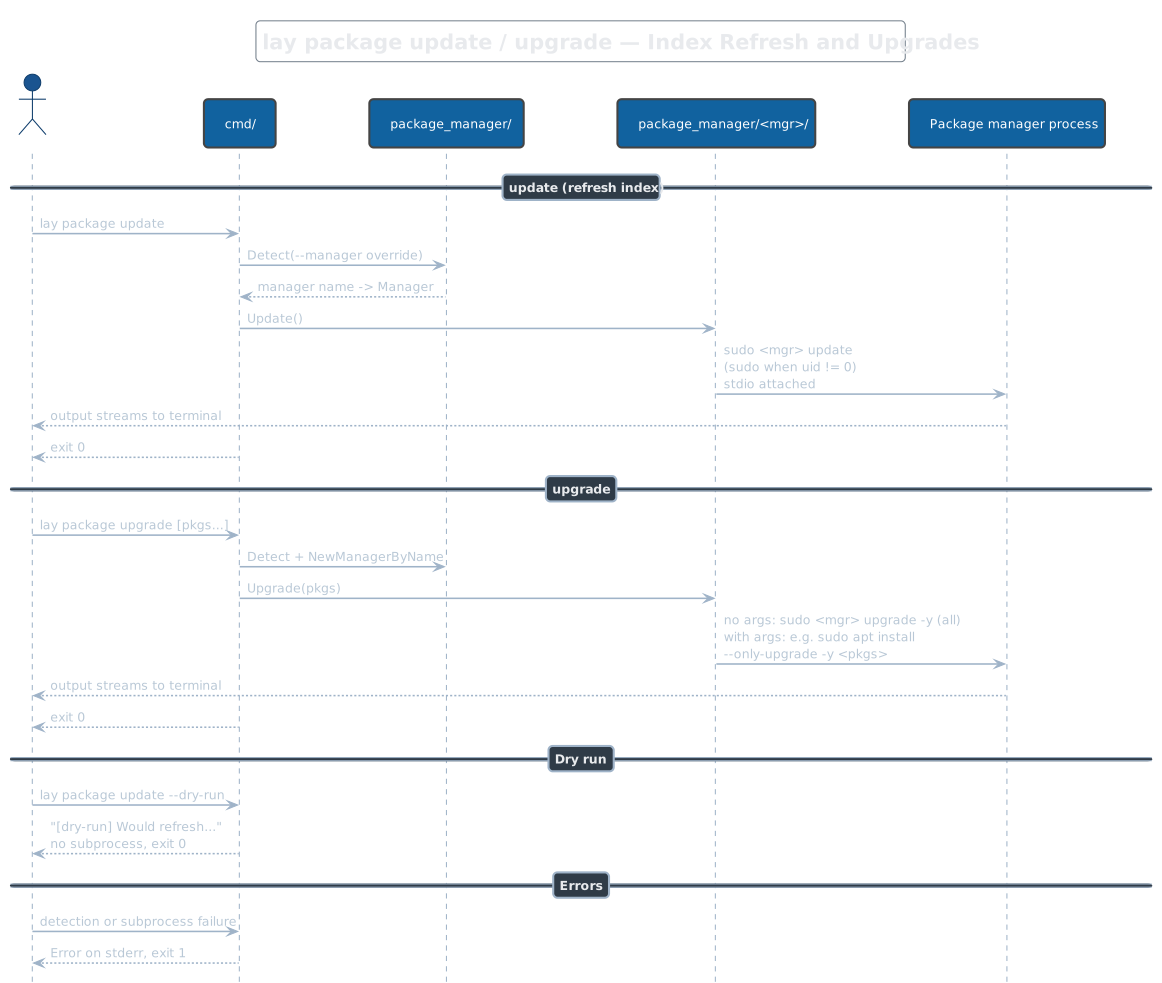
lay package update / upgrade
update refreshes the package index; upgrade with no arguments upgrades
everything, with arguments only those packages (on apt this becomes
install --only-upgrade -y). Both stream subprocess output straight to
the terminal, use sudo when not root, and honor --dry-run by printing
what would run and exiting 0 without spawning anything.
lay container
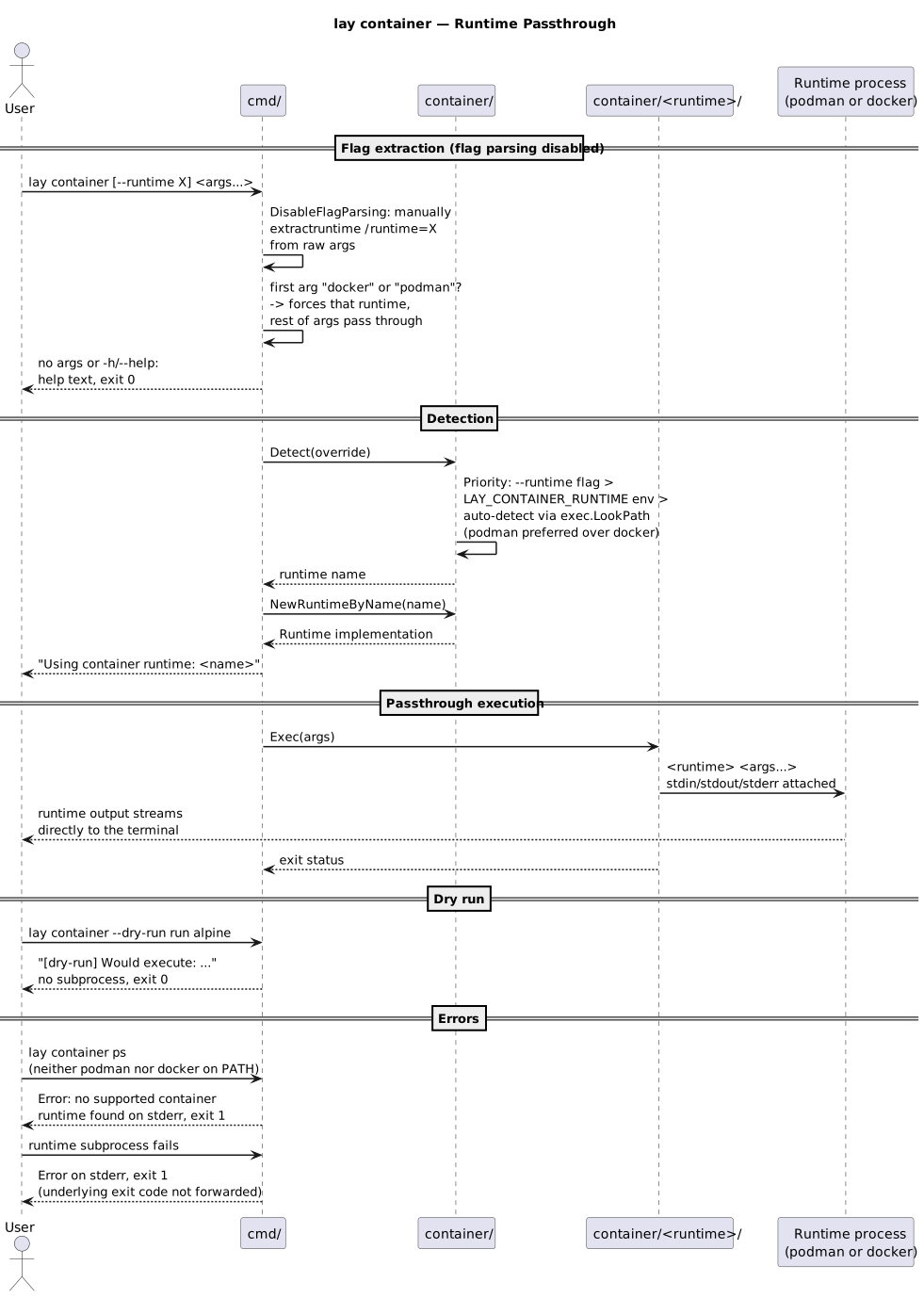
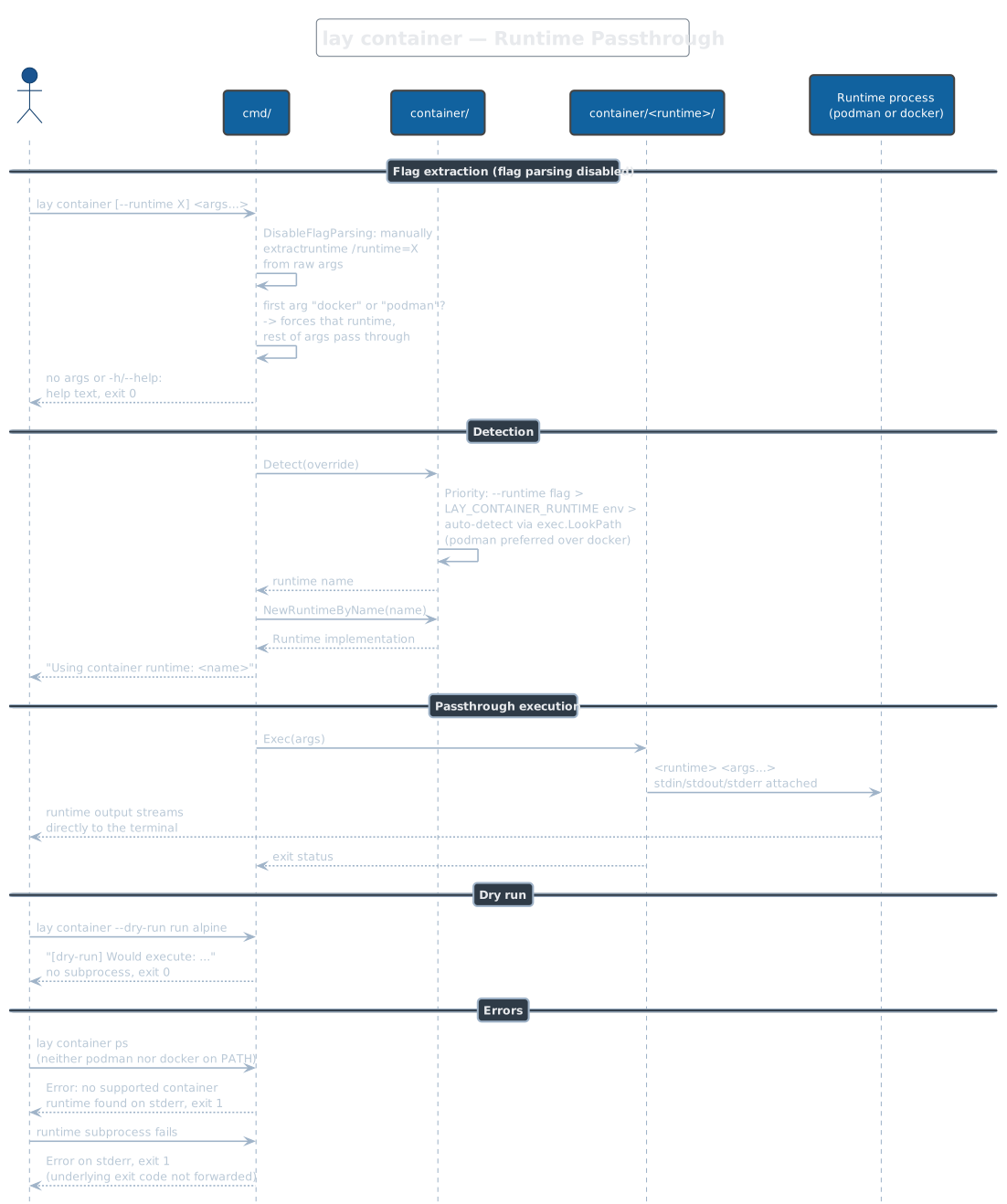
A passthrough, not a namespace: Cobra flag parsing is disabled and the raw
argument list is forwarded to the detected runtime (--runtime flag, then
LAY_CONTAINER_RUNTIME, then podman-before-docker PATH scan). A leading
docker or podman word forces that runtime. Any subprocess failure is
reported as exit 1 — the underlying runtime's exit code is not forwarded,
which matters for scripts that inspect container exit codes.
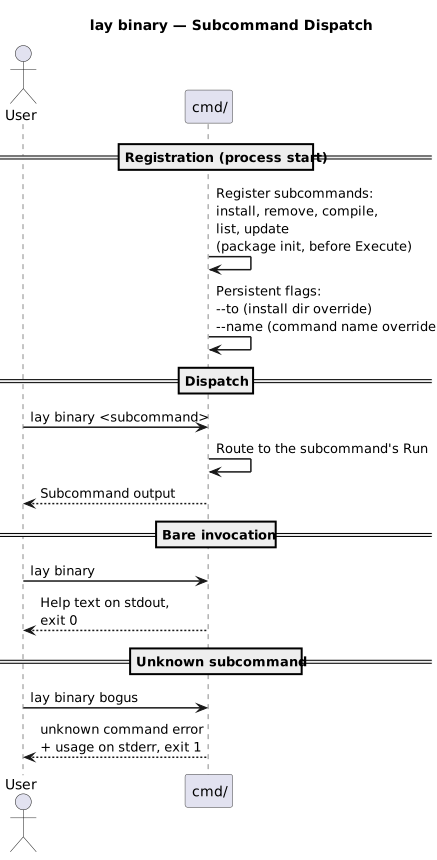
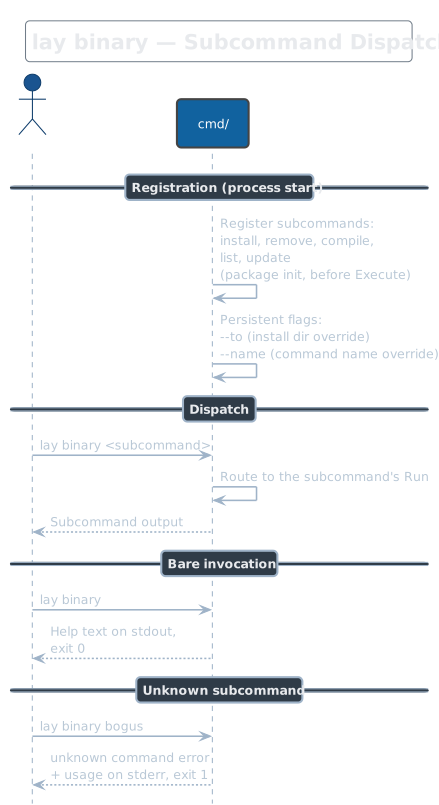
lay binary
Namespace command grouping standalone-binary management: install,
remove, compile, list, and update. It carries the persistent
--to (install directory, default ~/.local/bin or LAY_BINARY_PATH)
and --name (installed command name) flags. Run bare it prints help.
lay binary install
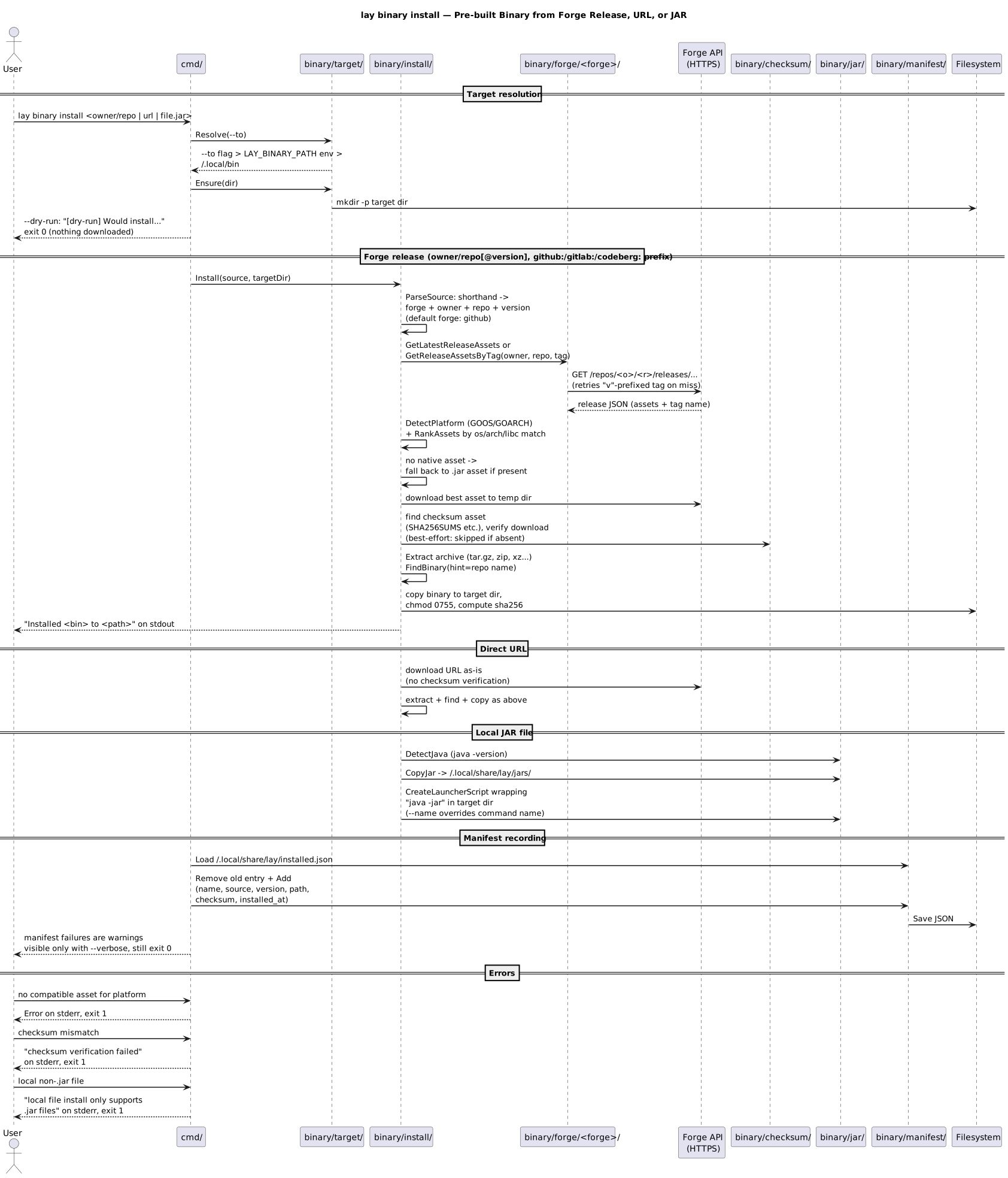
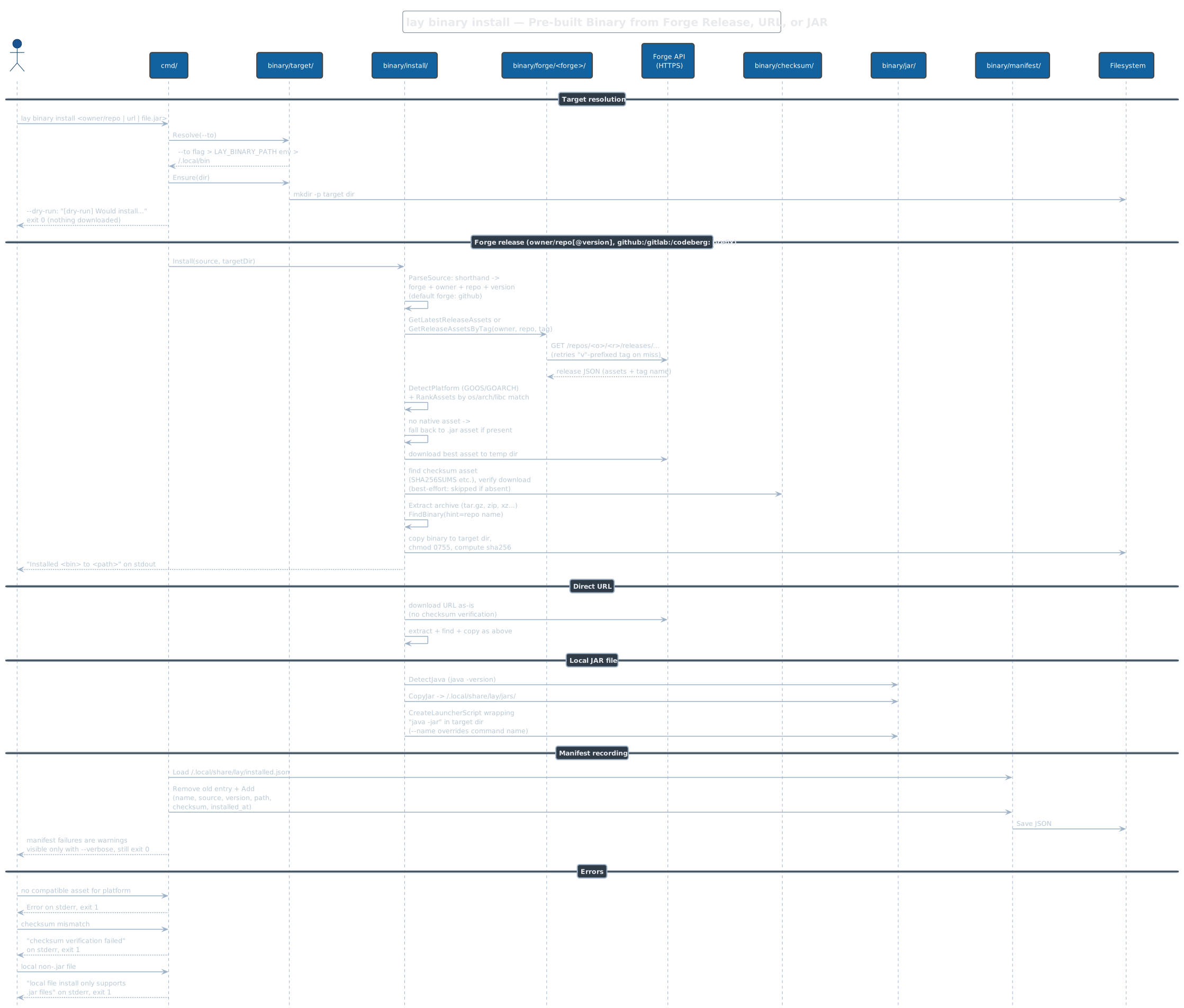
Installs a pre-built binary from a forge release (owner/repo[@version],
optionally prefixed github:, gitlab:, or codeberg:), a direct URL, or
a local .jar file. Forge installs query the release API, rank assets by
detected OS/arch, verify checksums when a checksum asset exists (silently
skipped otherwise; direct URLs are never verified), extract, and copy the
binary with mode 0755. JARs get a java -jar launcher script and require
Java on PATH. Successful installs are recorded in
~/.local/share/lay/installed.json; manifest write failures do not fail
the command and are only visible with --verbose.
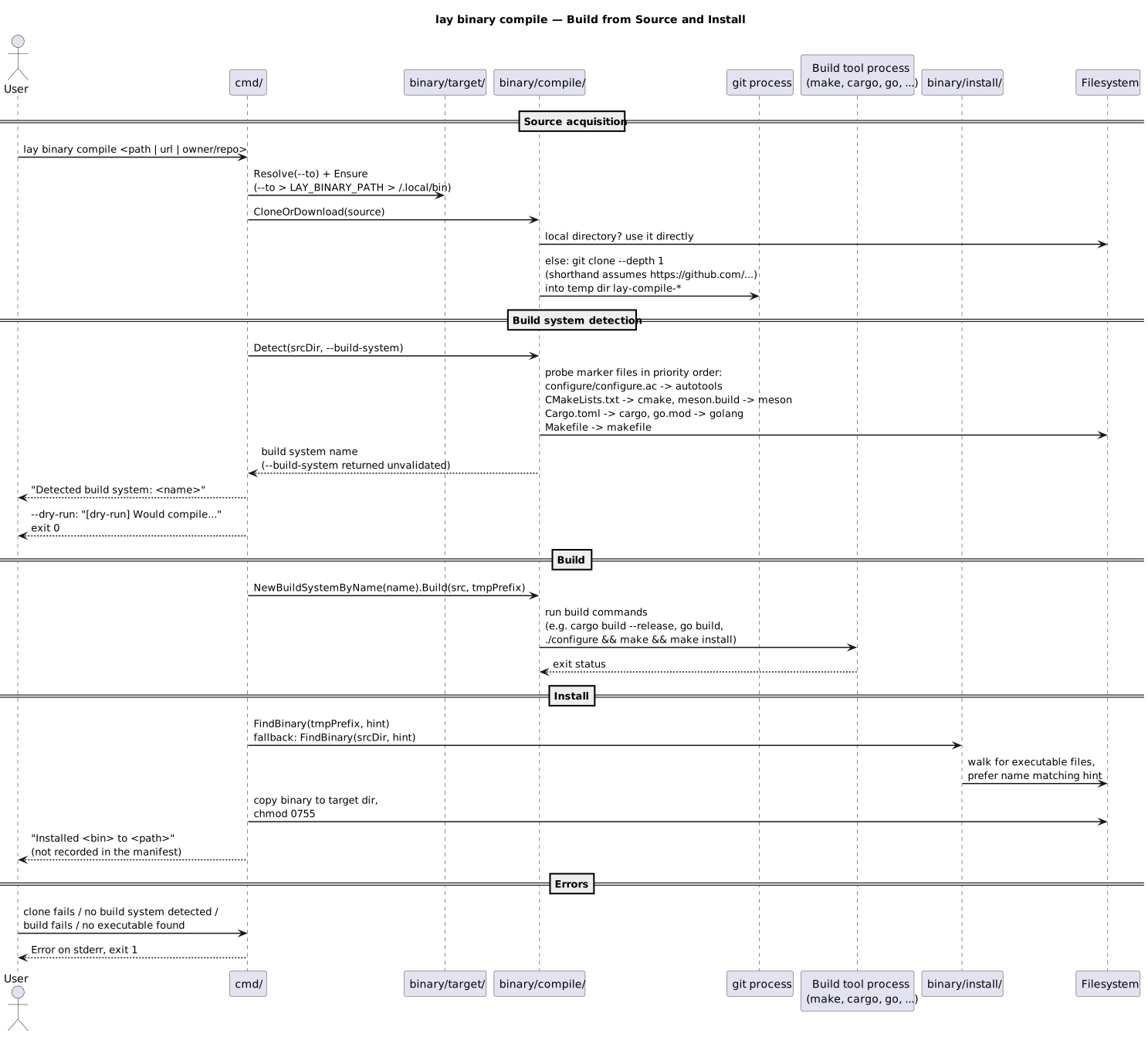
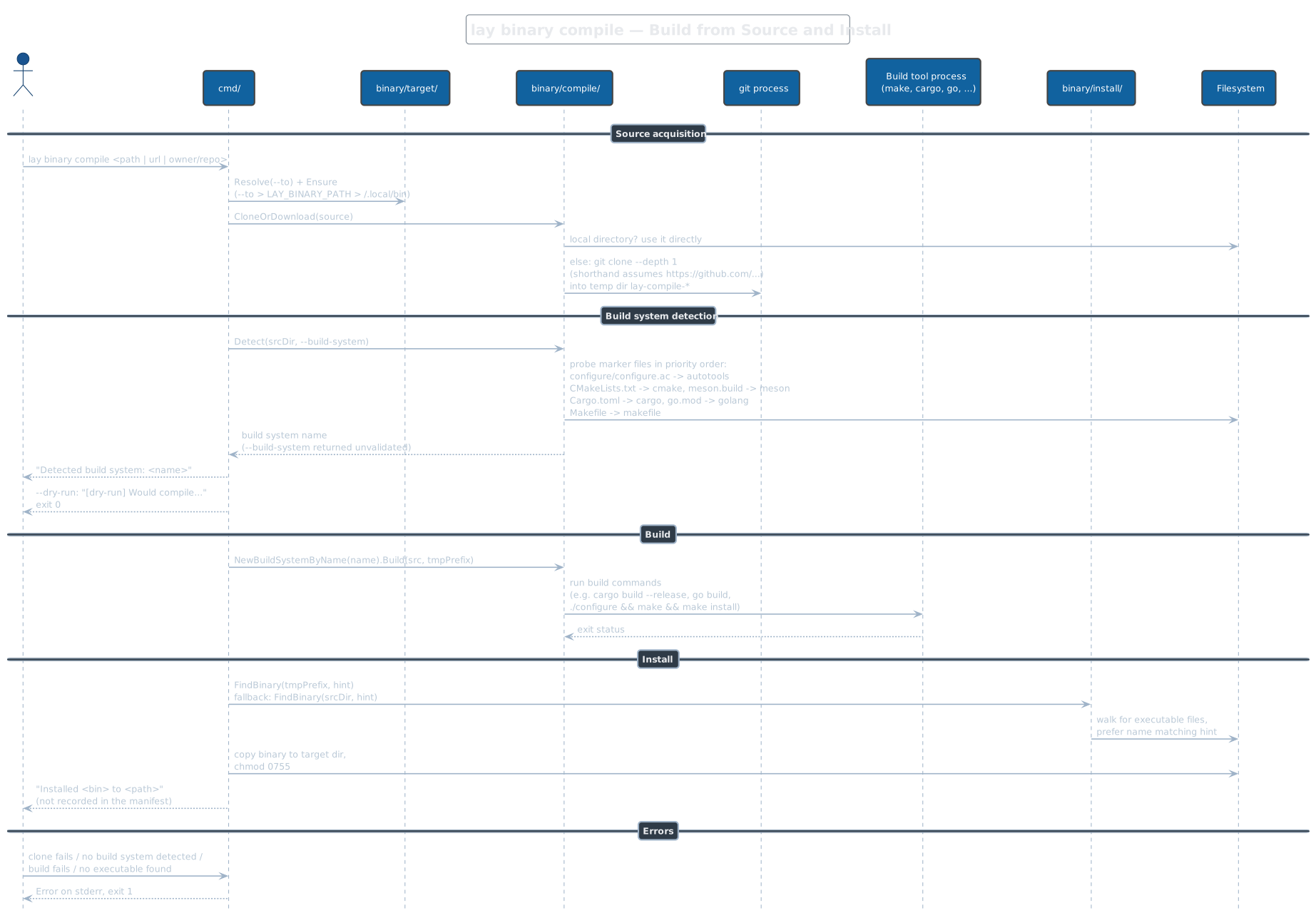
lay binary compile
Clones (shallow, GitHub shorthand assumed for bare owner/repo) or uses a
local source directory, detects the build system by marker files
(autotools, cmake, meson, cargo, golang, makefile — in that priority
order), builds into a temporary prefix, then locates the produced
executable and copies it to the target directory. A --build-system
override is accepted without validation, so a typo surfaces later as an
"unsupported build system" error. Compiled binaries are not recorded in
the manifest, so binary list/update/remove do not know about them;
for cloned sources the binary-name hint is the random temp directory name,
so the first executable found wins.
lay binary remove
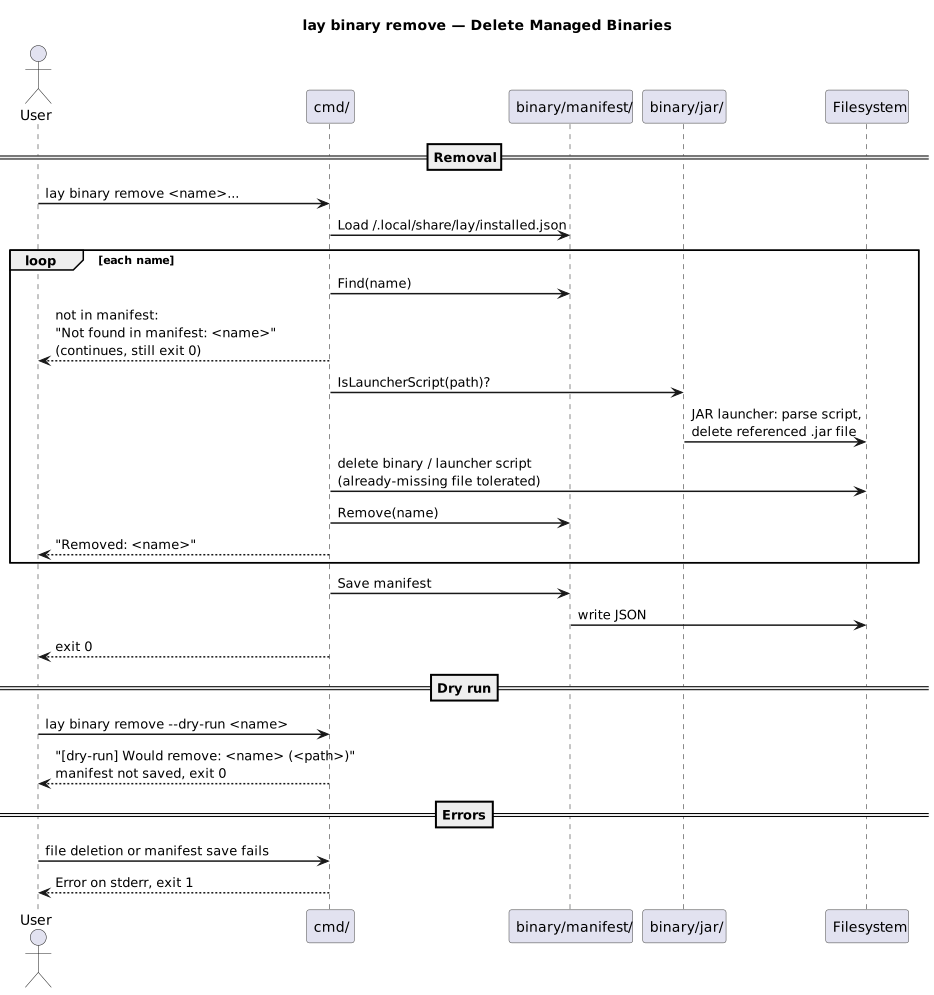
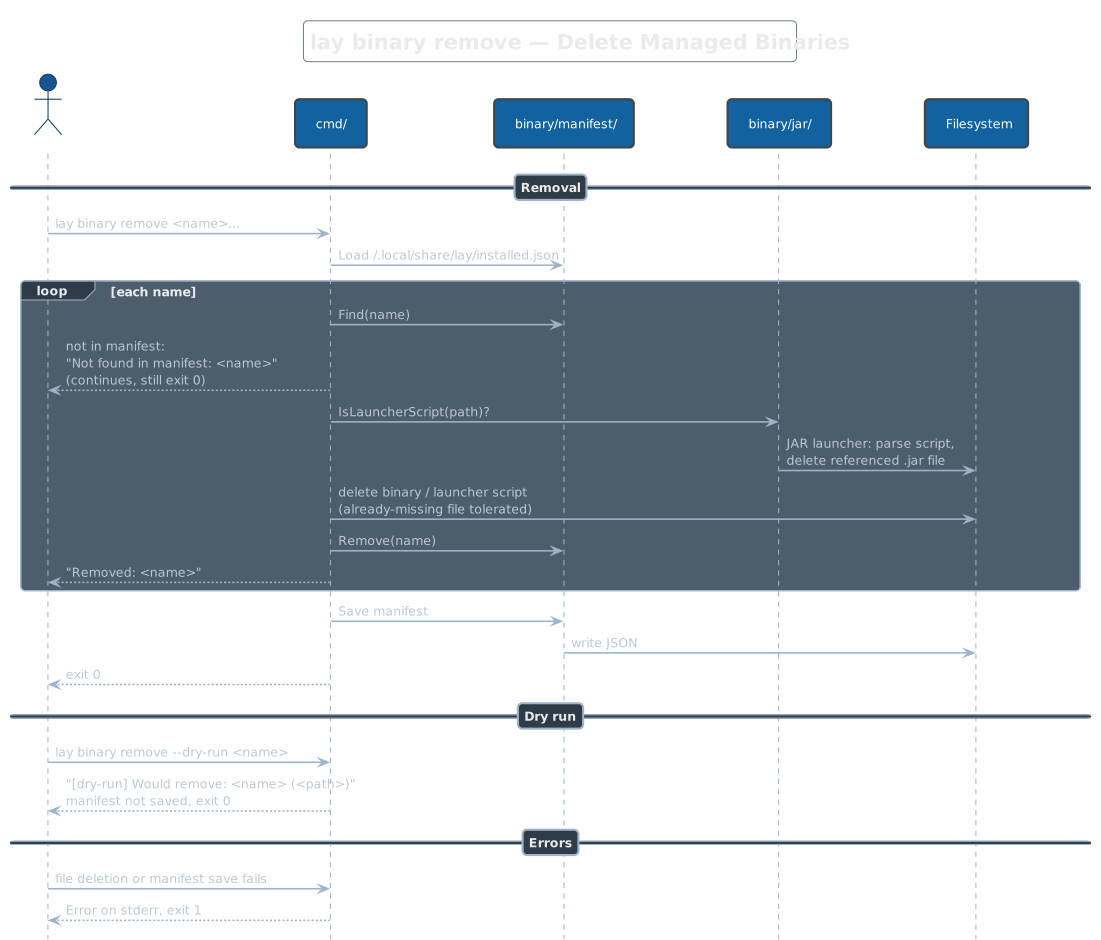
Deletes manifest-tracked binaries: the file on disk, the referenced .jar
when the entry is a JAR launcher script, and the manifest entry. Names not
found in the manifest print a notice and are skipped — the command still
exits 0. Already-deleted files are tolerated. --dry-run prints what
would be removed without touching the manifest.
lay binary list
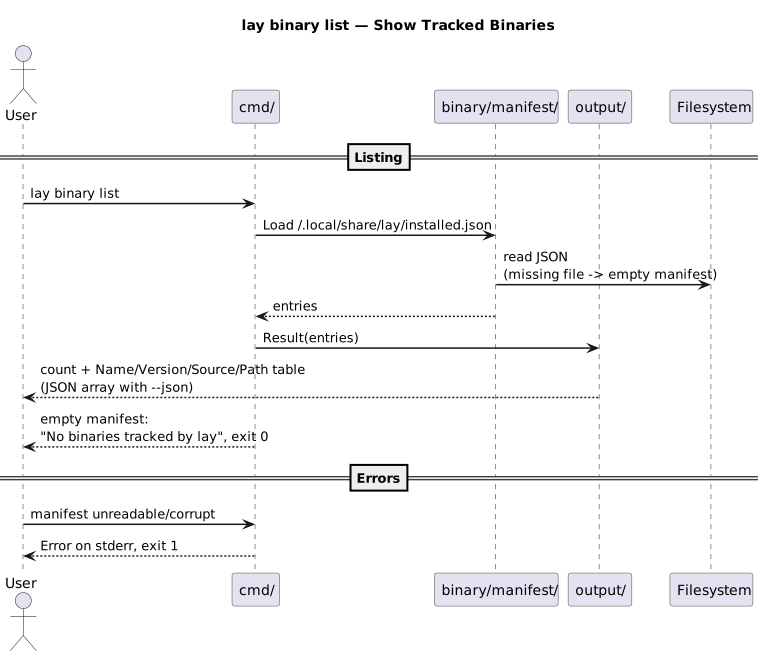
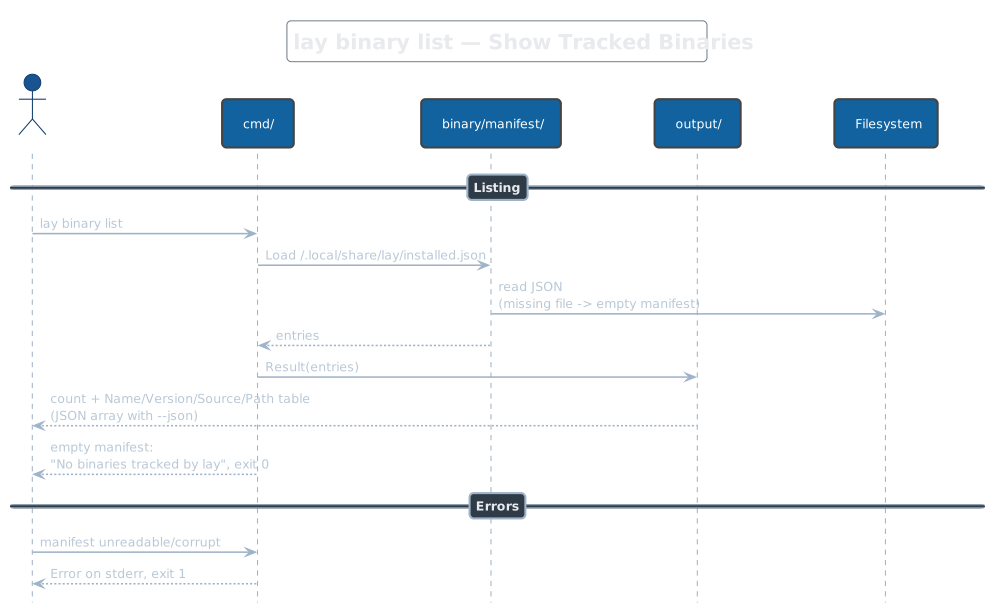
Reads ~/.local/share/lay/installed.json and prints a table of tracked
binaries (name, version, source, path), or a JSON array with --json.
An empty or missing manifest is a message and exit 0.
lay binary update
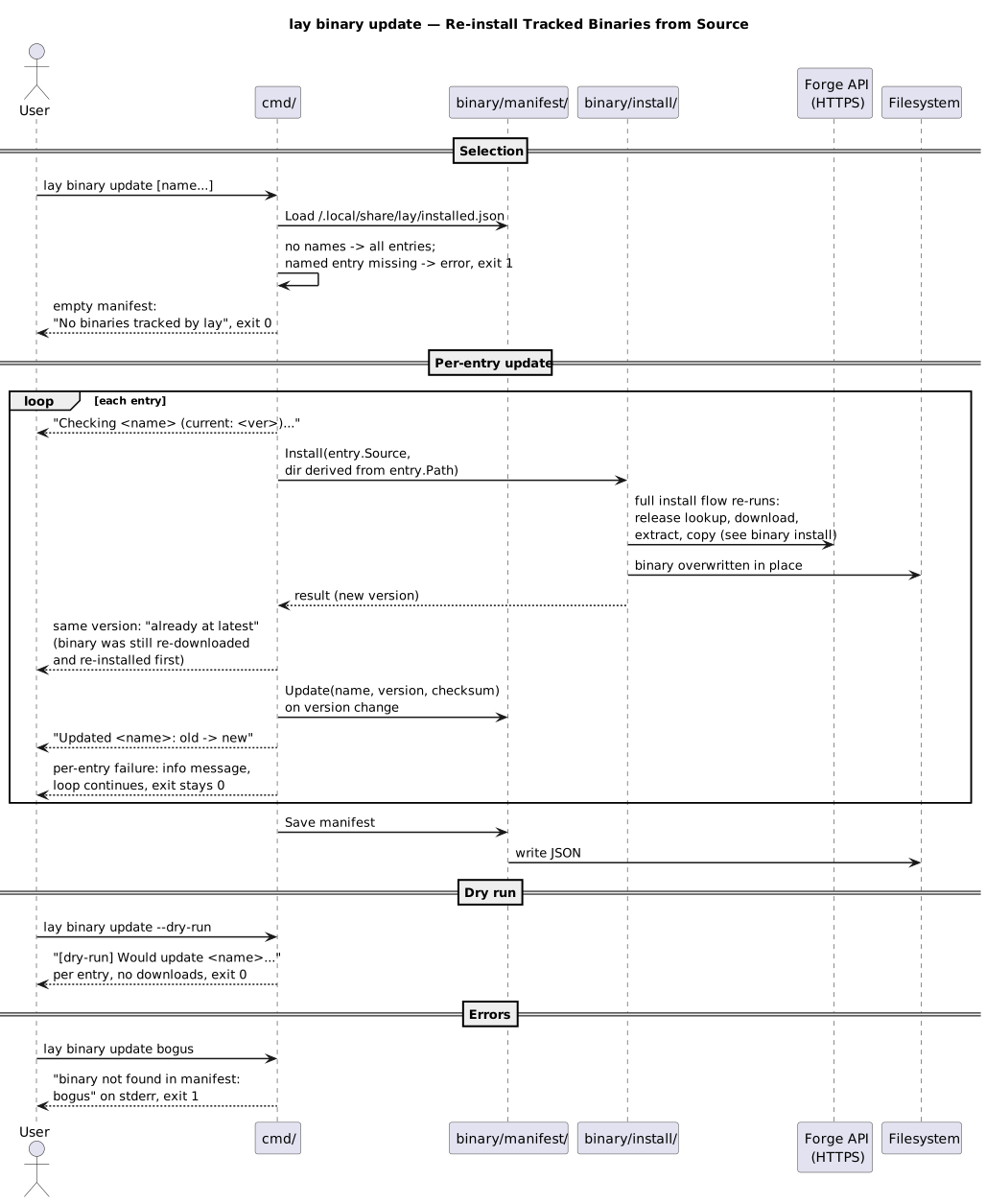
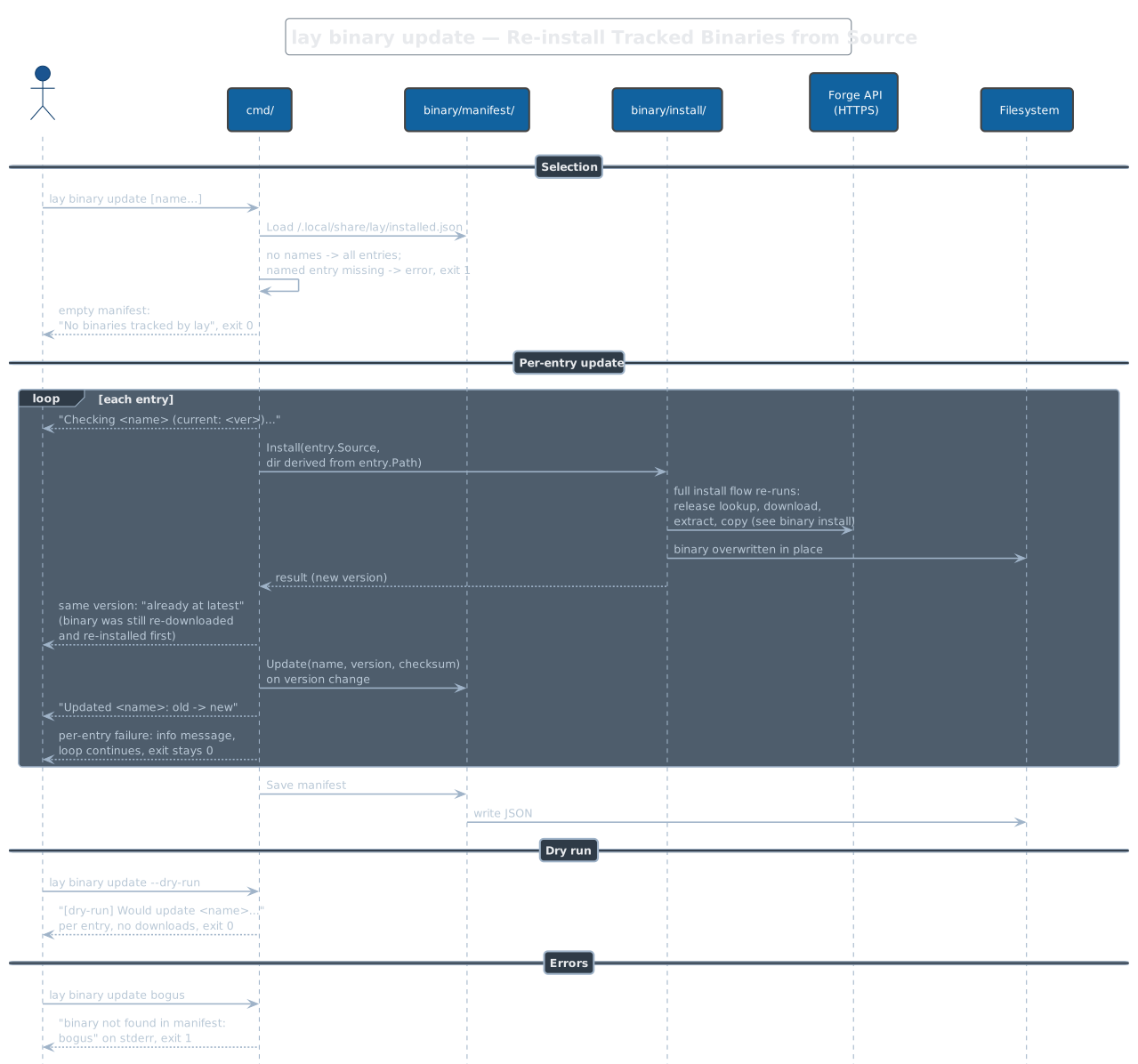
Re-runs the full install flow from each entry's recorded source into the same directory, then compares versions. Naming an untracked binary is an error (exit 1) before any work starts, but a mid-loop install failure only logs and continues. Note the version check happens after the fact: an already-current binary is still re-downloaded and re-installed, then reported as "already at latest version".
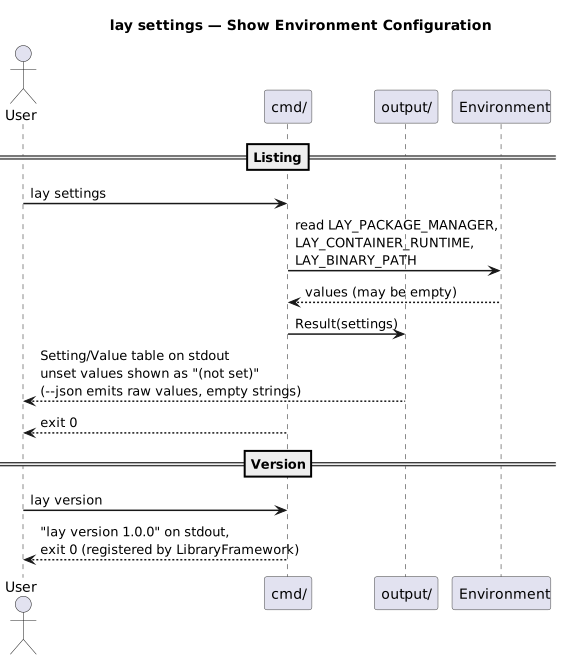
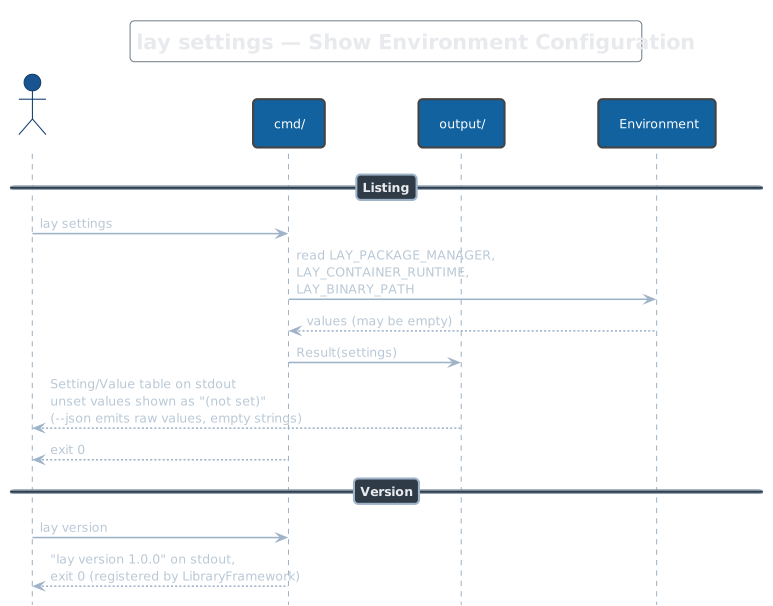
lay settings
Prints the three lay environment variables — LAY_PACKAGE_MANAGER,
LAY_CONTAINER_RUNTIME, LAY_BINARY_PATH — as a table, with unset values
rendered as "(not set)"; --json emits the raw (possibly empty) values.
Purely read-only; there is no set/write mode despite the "Manage"
phrasing elsewhere. lay version, registered by LibraryFramework, prints
the version string and exits 0.